RADIO Mode︱
Listen to the Radio
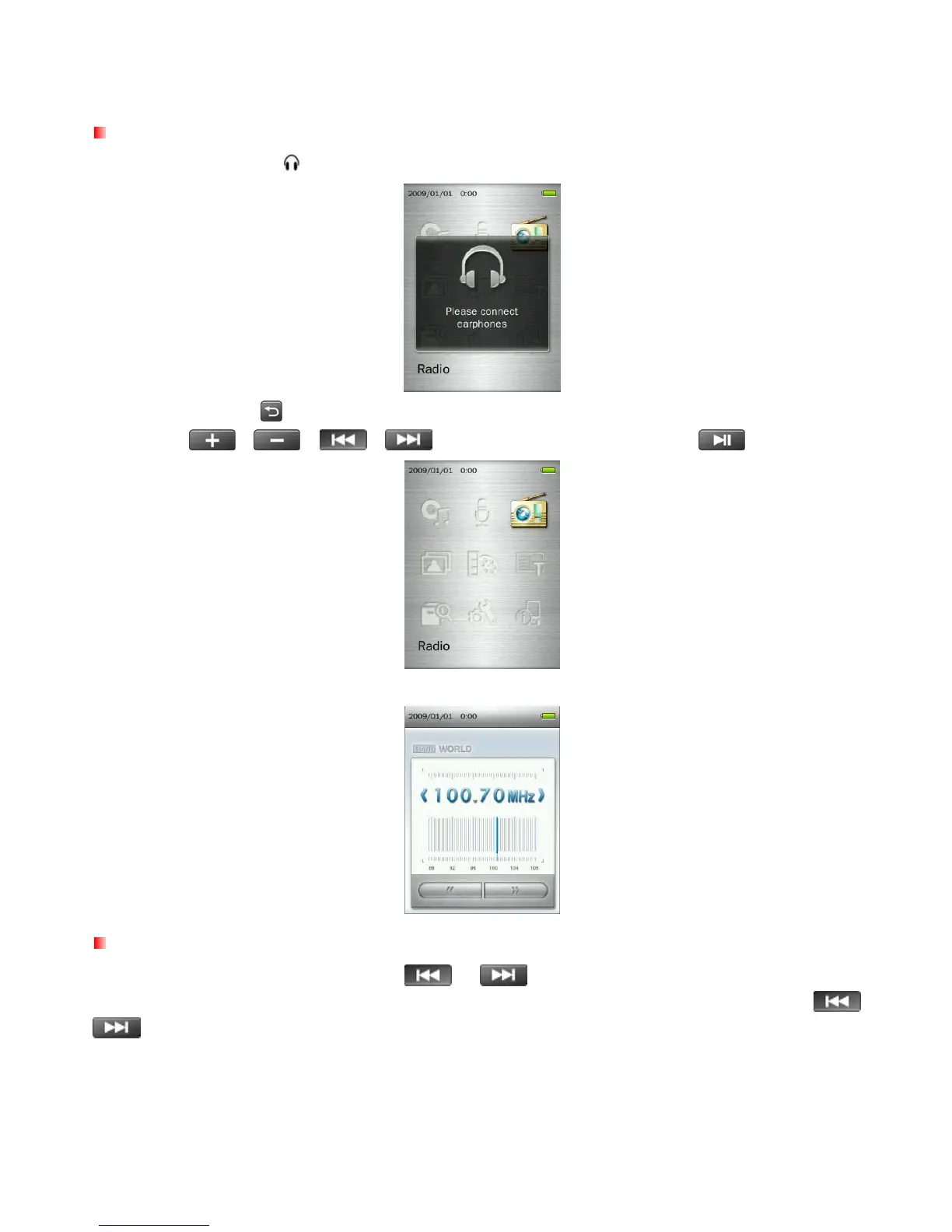
1. Plug in the earphones . (Earphones must be plugged-in to listen to the Radio).
2. Press and hold the
button to enter the Main Menu.
3. Use the
/
/
/ buttons to select “Radio” and press .
4. The current FM Radio frequency will be displayed.
Selecting a Radio Station
To manually select a radio station, press
or
(the FM frequency will increase or decrease in
0.1MHz increments) until you reach the desired station. Alternatively, you can press and hold either
or
to auto-scan for the next available station.
32



 To Next Page