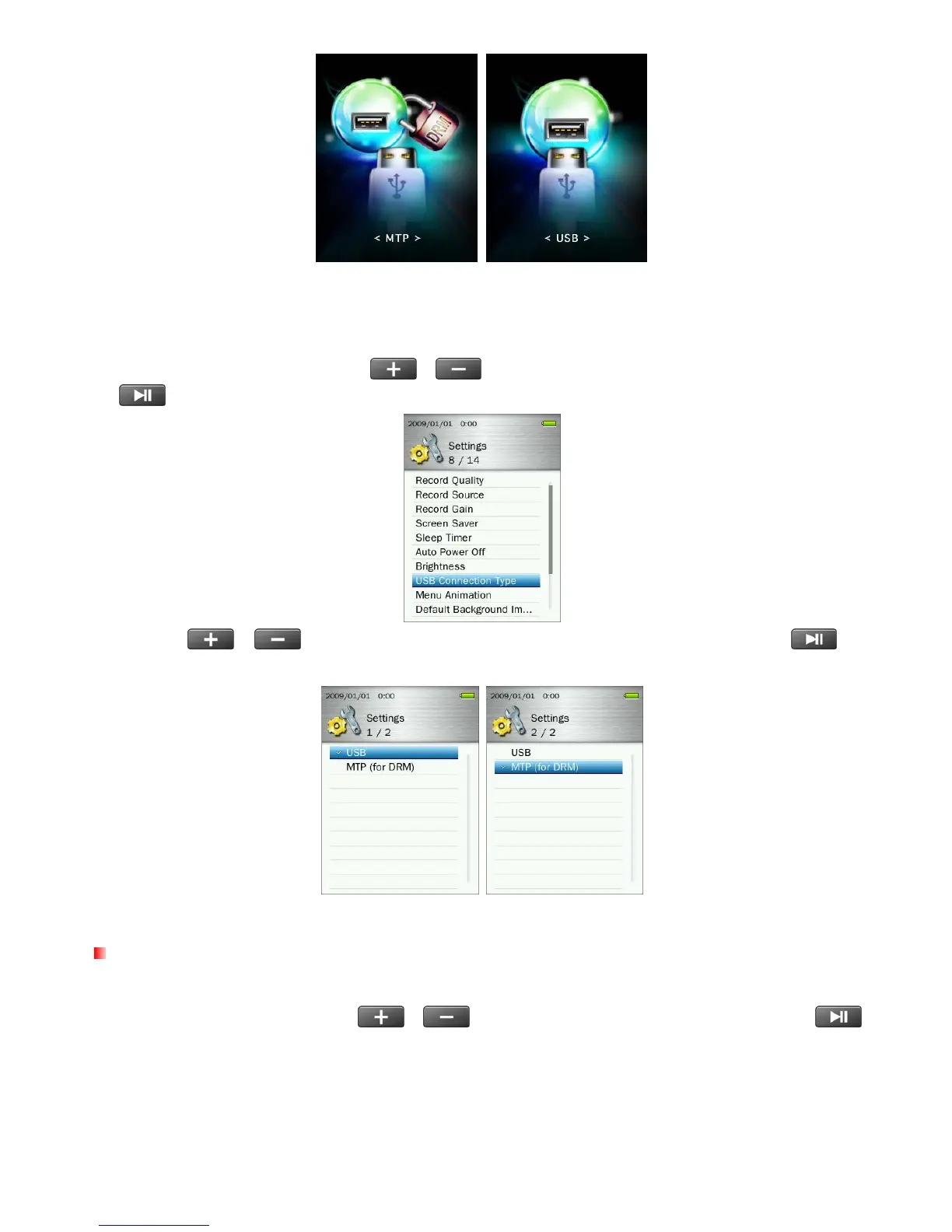
MTP (Use this mode for transferring DRM10 music files with Windows Media Player 10)
USB (Use this mode for normal drag-and-drop transfer of all other files, or if using a Mac
®
or
Linux
®
computer)
1. In the SETTINGS menu, use the
/ buttons to select “USB Connection Type” and press
.
2. Use the
/ buttons to select either “MTP (for DRM)” or “USB” and press to
confirm.
ο Note: In MTP transfer mode, all files will be stored in the “MTP” folder.
Menu Animation
Changes the effect displayed during menu interface transitions.
1. In the SETTINGS menu, use the
/ buttons to select “Menu Animation” and press .
61



 To Next Page