Ex: for the MP3 file “GM-Last_Christmas.mp3”, the LRC lyrics file must be named “GM-Last_Christmas.lrc”
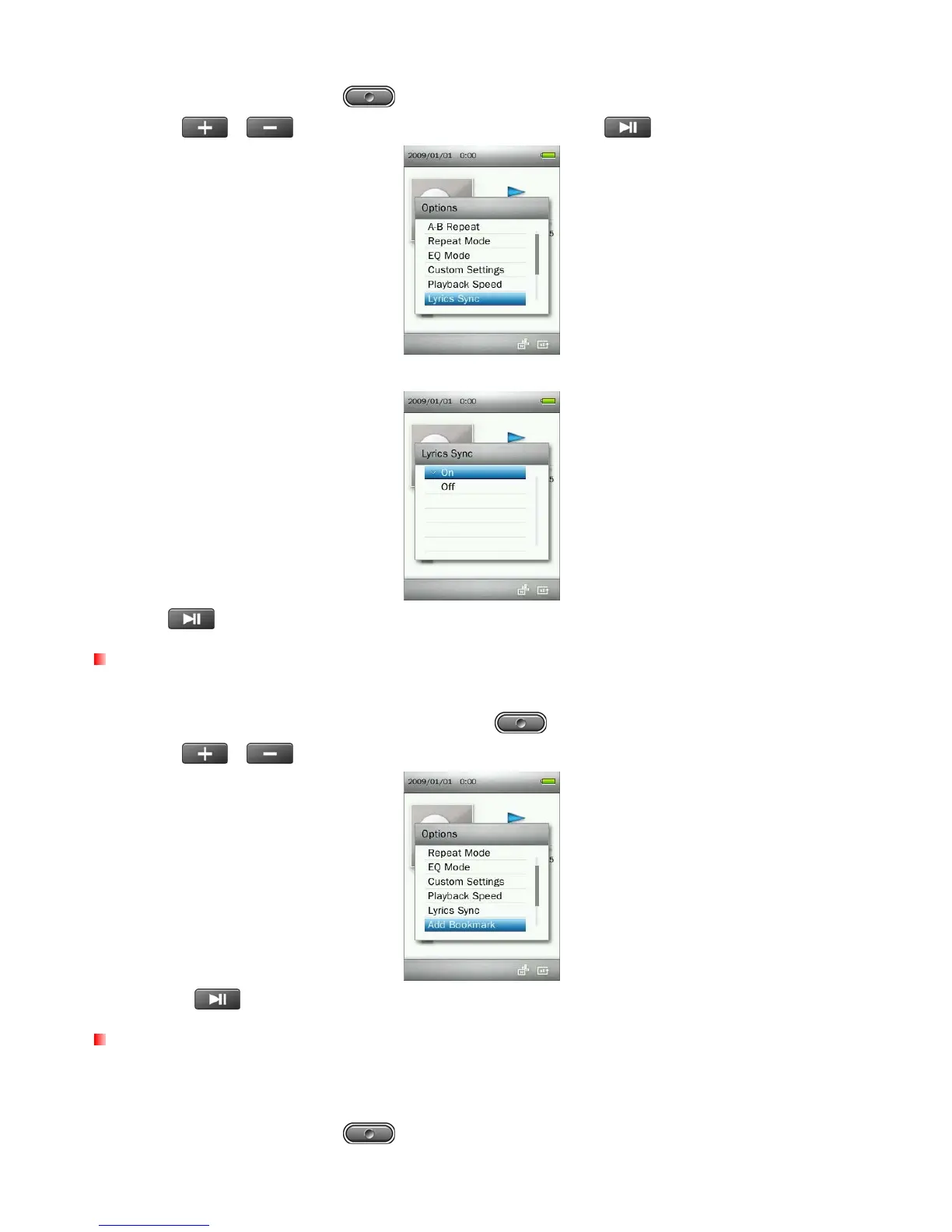
1. In the MUSIC mode, press the button to open the Options menu.
2. Use the
/ buttons to select “Lyrics Sync” and press .
3. Select “On” to use Lyrics Sync, or “Off” to turn the function off.
4. Press to confirm.
Add Bookmark
This function can be used to mark a specific part of song so you can easily return to it in the future.
1. While playing a song in the MUSIC mode, press the button to open the Options menu.
2. Use the /
buttons to select “Add Bookmark”.
3. Press the button to bookmark the current position of the song.
Add to My Playlist
The MP860 includes five built-in playlists that can be used to sort your favorite songs into different groups.
Ex: you may choose to add “dance music” to My Playlist 1, and “love songs” to My Playlist 2.
1. In the MUSIC mode, press the button to open the Options menu.
25



 To Next Page