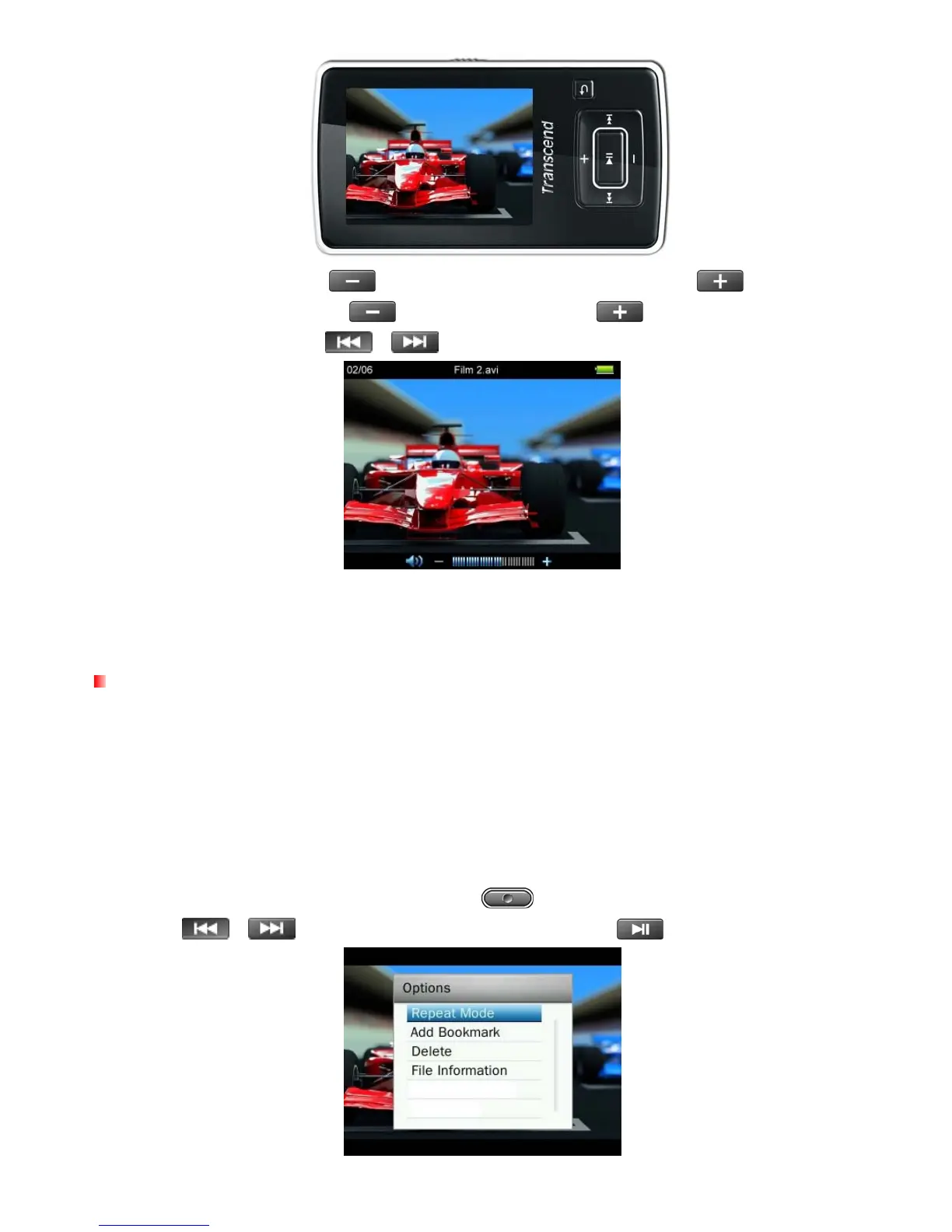
6. During video playback press
to go to the next available video, and press to go back.
7. To fast forward, press and hold
. To rewind, press and hold .
8. To adjust the volume, press
/ .
ο The MP860 only supports video files encoded in MPEG4 SP(Xvid) or FLV video format. To view files
in formats other than these, you must use the “Transcend MP860 Video Converter” Software to
convert them to a compatible format.
Repeat Mode
There are four Repeat modes to choose from:
Normal (plays all video files available one time, in consecutive order)
Repeat One (continuously repeats the current video)
Repeat All (continuously repeats playback of all video files available, in consecutive order)
Shuffle (continuously repeats playback of all video files available, in random order)
1. While viewing a file in the VIDEO mode, press the button to open the Options menu.
2. Use the / buttons to select “Repeat Mode” and press .
46



 To Next Page