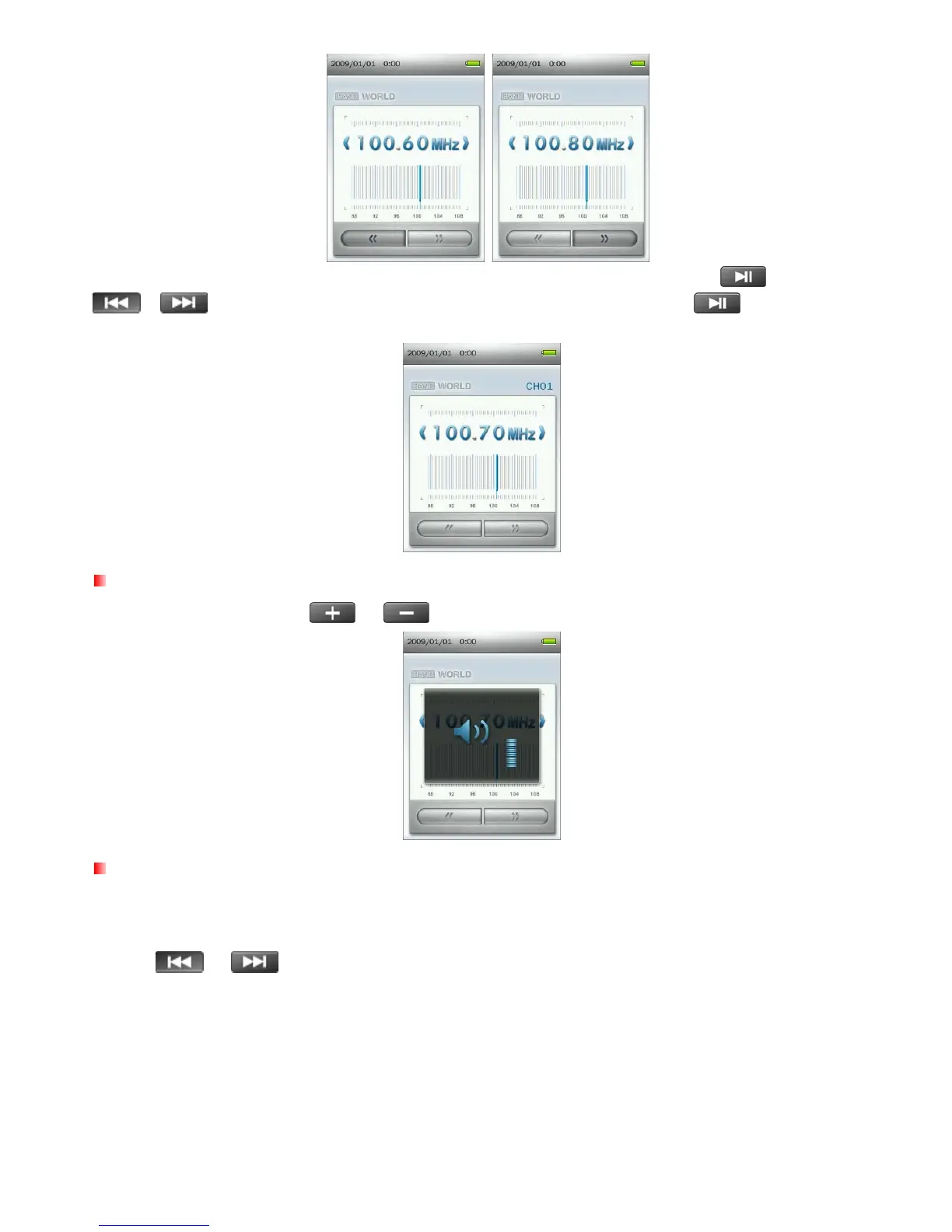
Note: If you have already saved your favorite stations to the Station List, you can press and then use the
/ buttons to quickly switch between your saved stations. Press again to adjust the
frequency manually.
Adjusting the Volume
Press once or press and hold
or
until you reach the desired volume level.
Saving a Radio Station
The MP860 lets you save your 20 favorite radio stations (CH01 to CH20).
To save a station:
1. Use
or
to select the radio station (FM frequency) that you want to save.
33



 To Next Page