47
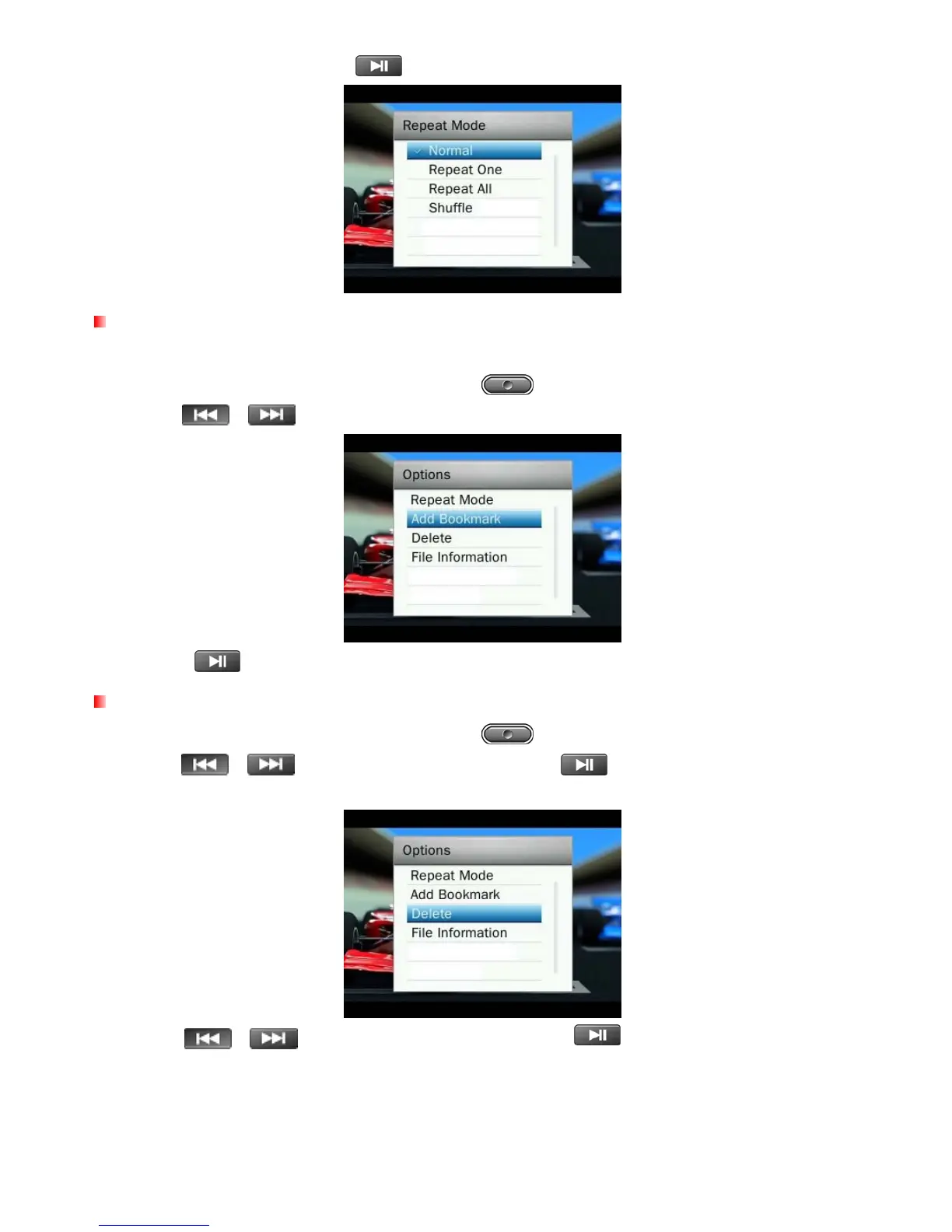
3. Select a repeat mode and press
to confirm.
Add Bookmark
This function can be used to mark a specific part of a video so you can easily return to it in the future.
1. While viewing a file in the VIDEO mode, press the button to open the Options menu.
2. Use the /
buttons to select “Add Bookmark.”
3. Press the button to bookmark the current position of the video and continue watching the video.
Delete
1. While viewing a file in the VIDEO mode, press the button to open the Options menu.
2. Use the
/
buttons to select “Delete” and press
. A “Confirm File Delete” message will
appear.
3. Use the
/ buttons to highlight “OK” and press to permanently delete the currently
played video, or select “Cancel"to return to the Options menu without deleting.



 To Next Page