ο The previous 20 channels in station list will be reset first when using this function.
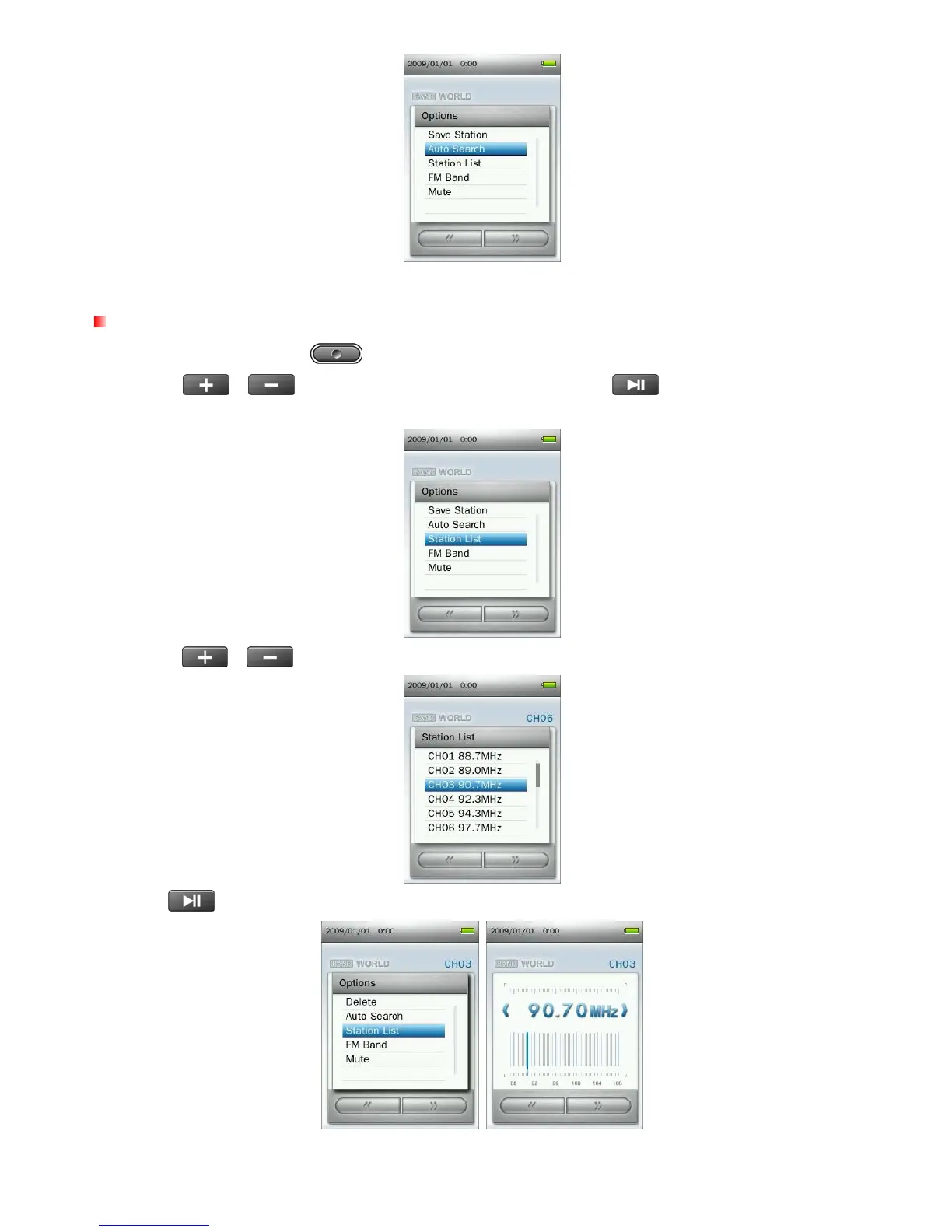
Recalling a Saved Station
1. In the RADIO mode press to open the Options menu.
2. Use the
/
buttons to select “Station List” and press
to display your saved stations
(CH01 to CH20).
3. Use the
/ buttons to select a channel number.
4. Press
to listen to the selected channel.
35



 To Next Page