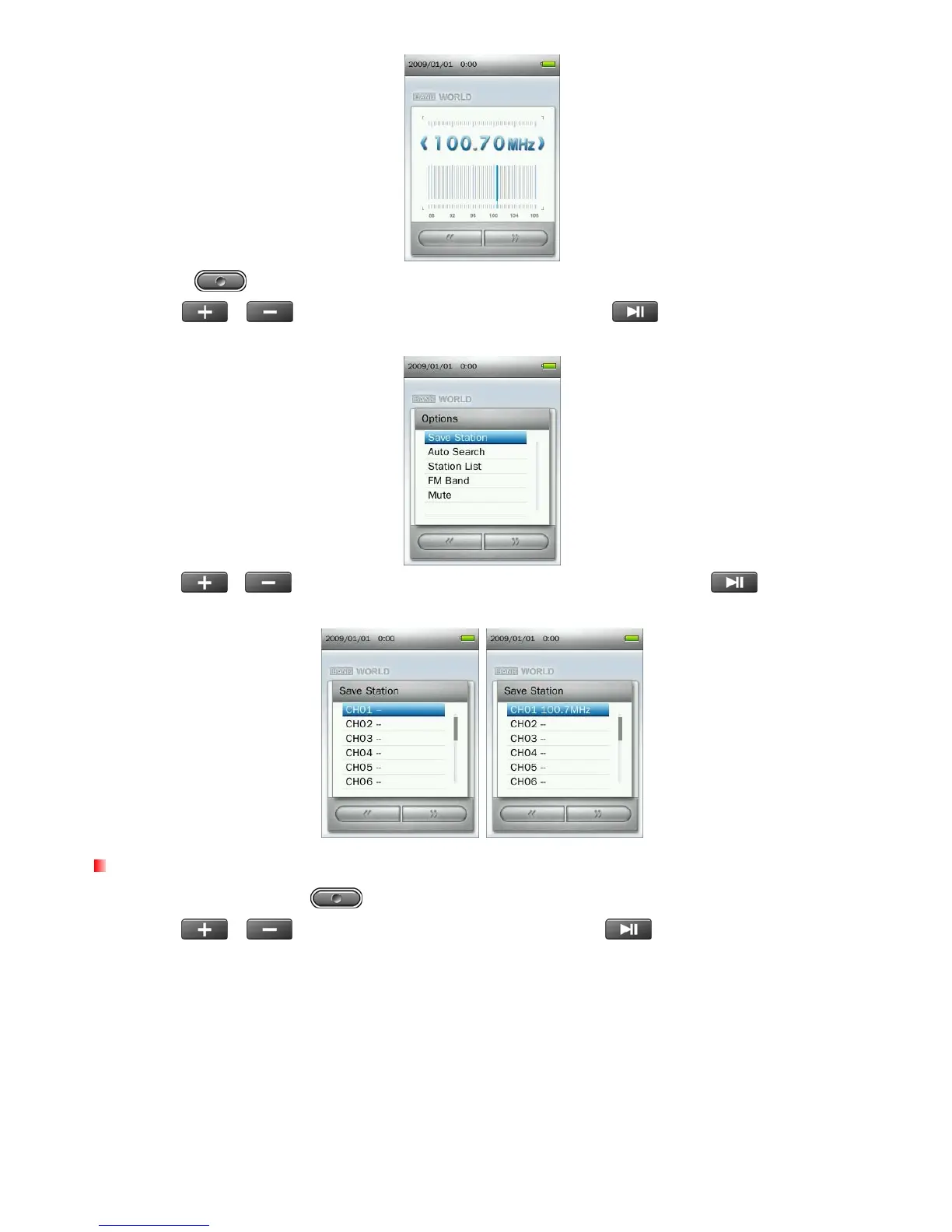
2. Press the
button to open the Options menu.
3. Use the
/
buttons to select “Save Station” and press
to bring up the saved channel
list.
4. Use the
/ buttons to select your desired channel number, and press again to save
the current radio station to that channel.
Auto Search
1. In the RADIO mode press to open the Options menu.
2. Use the
/
buttons to select “Auto Search” and press
, then all the FM channels will be
automatically scanned and the 20 channels with a strong signal will be saved.
34



 To Next Page