PHOTO Mode︱
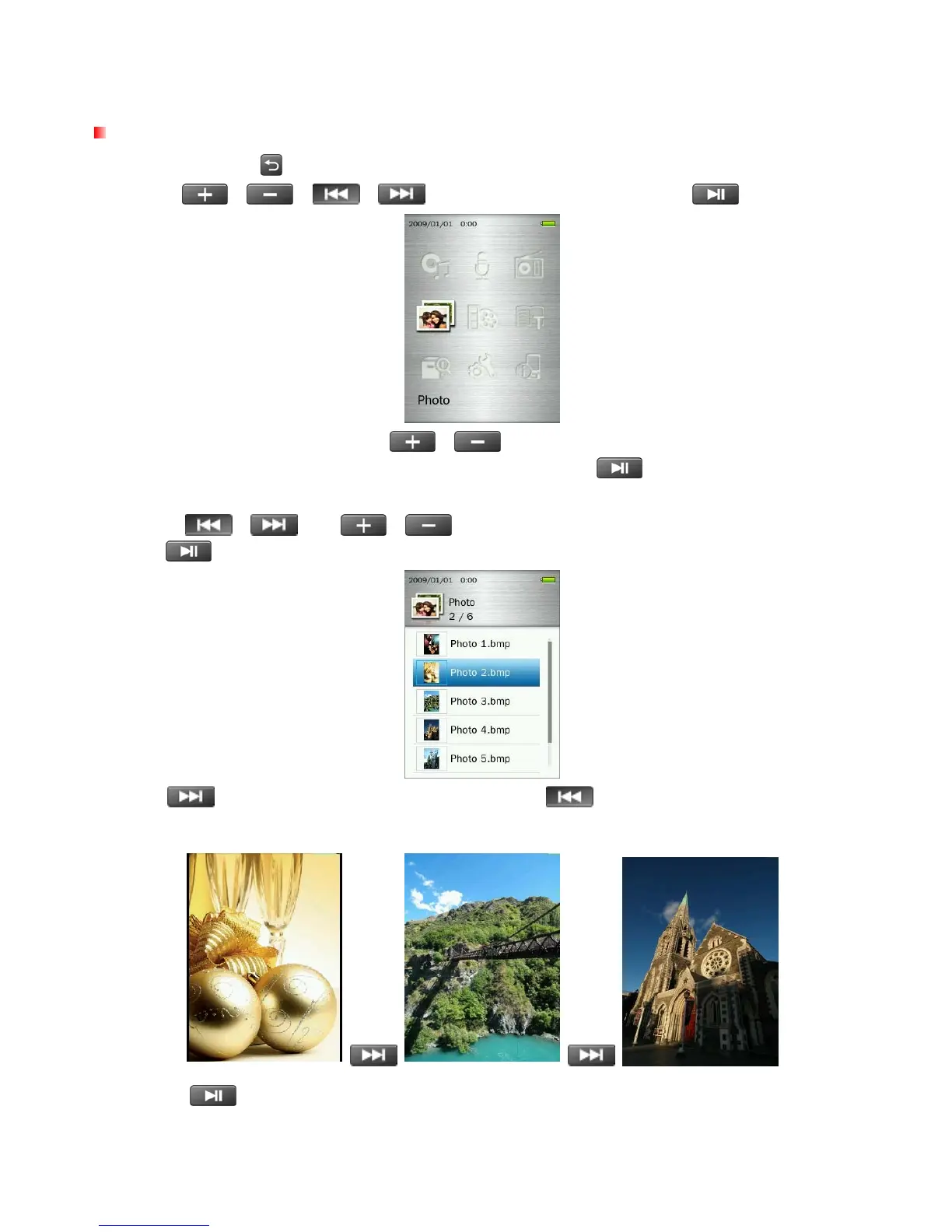
Displaying Photos
1. Press and hold the
button to enter the Main Menu.
2. Use the
/
/
/ buttons to select “Photo” and press .
3. The File Navigator will open. Use the
/ buttons to select the source location of the photo
you want to view (“Internal Memory” or “microSD Card”) and press
. (Alternatively, you can find all
files in the FILE MANAGEMENT mode)
4. Use the
/
and
/
buttons to navigate to the photo you want to view and
press
.
5. Press
to go to the next available photo, and press
to go back to the previously viewed
photo.
6. Pressing
while viewing a photo will start the Slideshow function.
39



 To Next Page