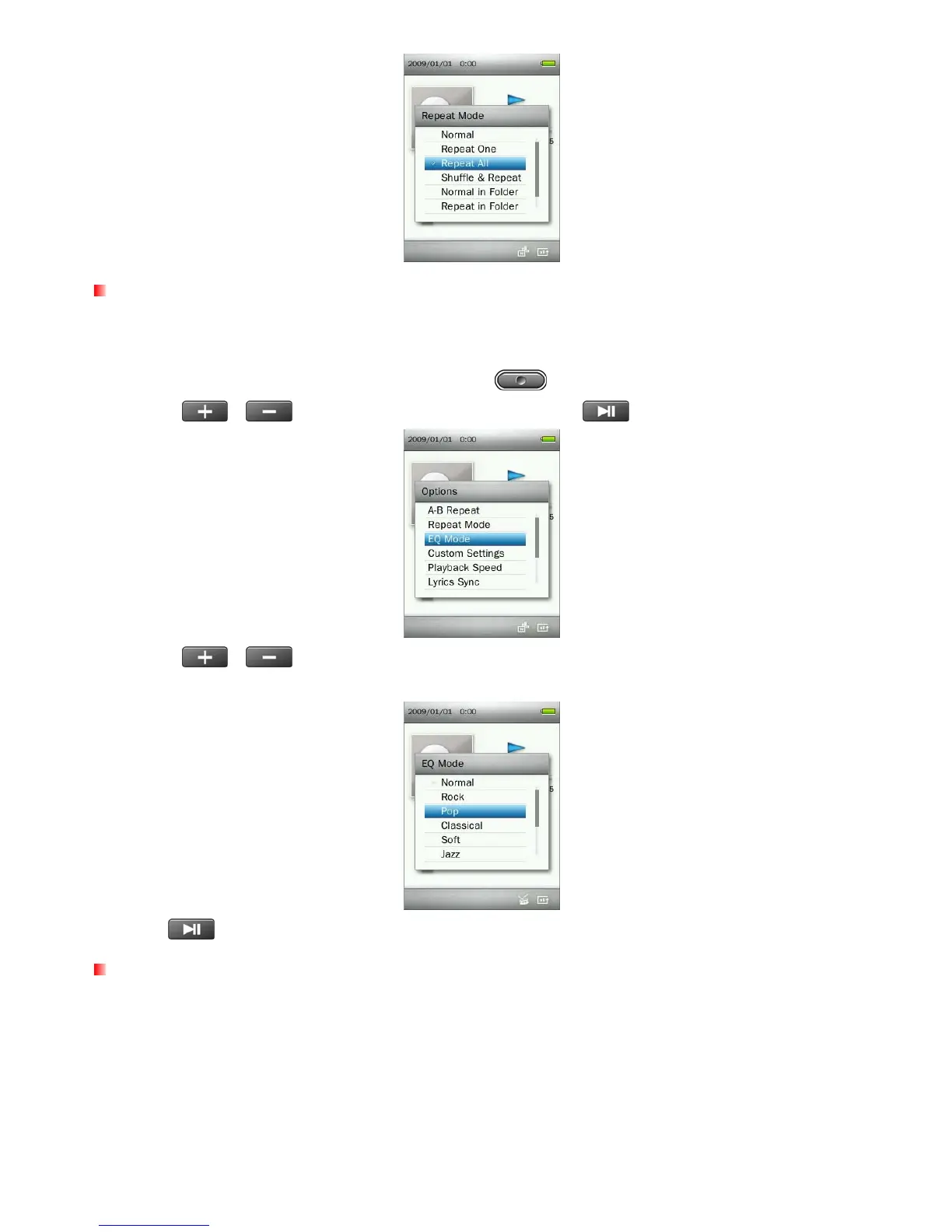
Equalizer (EQ) Mode
There are many preset Equalizer Modes to choose from: Normal, Rock, Pop, Classical, Soft, Jazz, Bass
Boost, User EQ, SRS WOW, SRS WOWHD, and SRS Custom Mode.
1. While playing a song in the MUSIC mode, press the
button to open the Options menu.
2. Use the
/
buttons to select “EQ Mode” and press .
3. Use the /
buttons to select an equalizer mode. If music is playing, you will instantly hear the
difference between each mode through the earphones.
4. Press
to confirm the new EQ setting.
Custom Settings
This menu contains customizable audio settings:User EQ, SRS Custom Settings, and Fade In / Fade Out.
21



 To Next Page