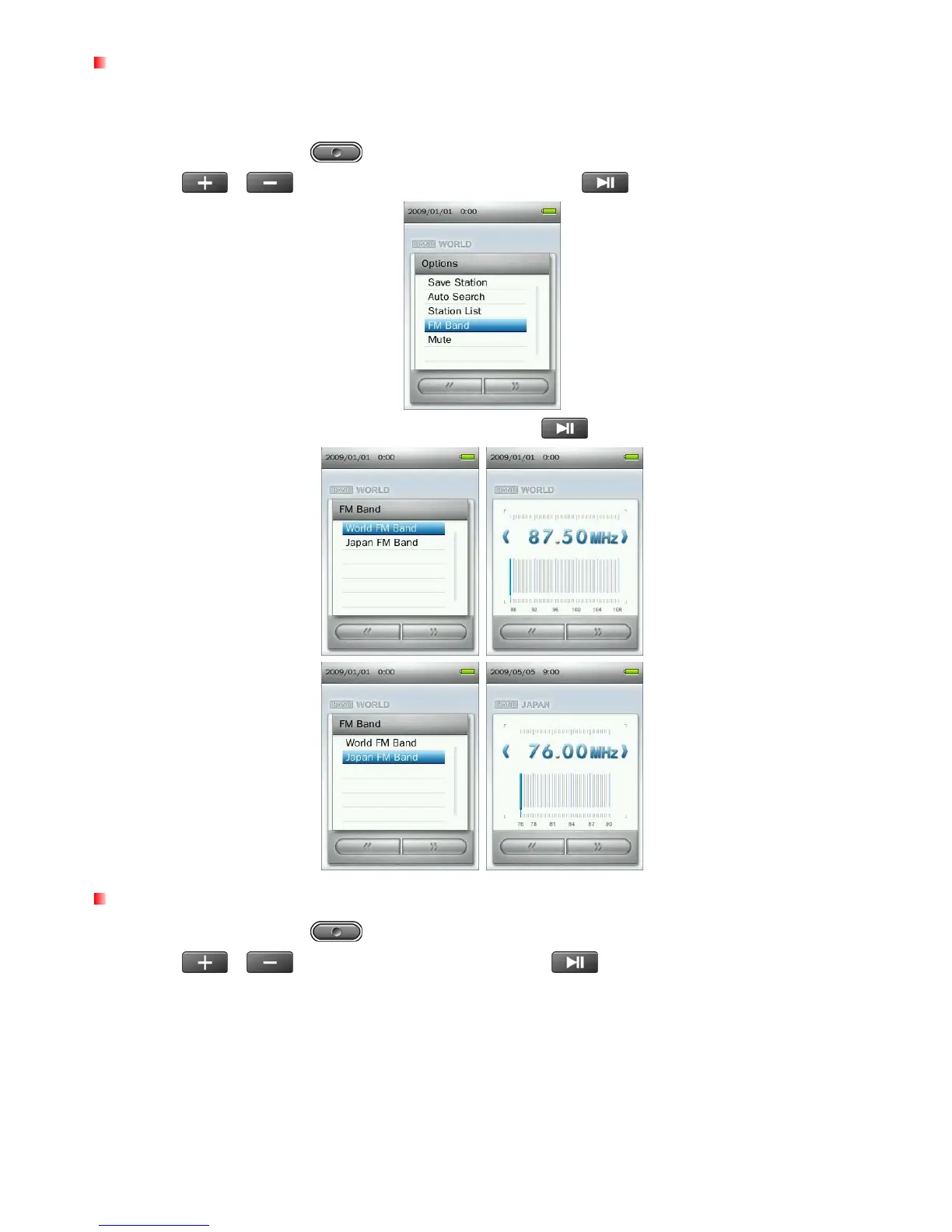
FM Band
The MP860 allows you choose World FM Band (87.5MHz~108.0MHz) or Japan FM Band
(76.0MHz~90.0MHz).
1. In the RADIO mode press
to open Option menu.
2. Use the
/
buttons to select “FM Band” and press
.
3. Select “World FM Band” or “Japan FM Band,” then press
to confirm.
Mute
1. In the RADIO mode press to open the Options menu.
2. Use the
/
buttons to select “Mute“ and press
.
3. To un-mute the radio, select “Start Playing” from the Options menu.
36



 To Next Page