5. Press to confirm and return to the “Custom Settings” menu.
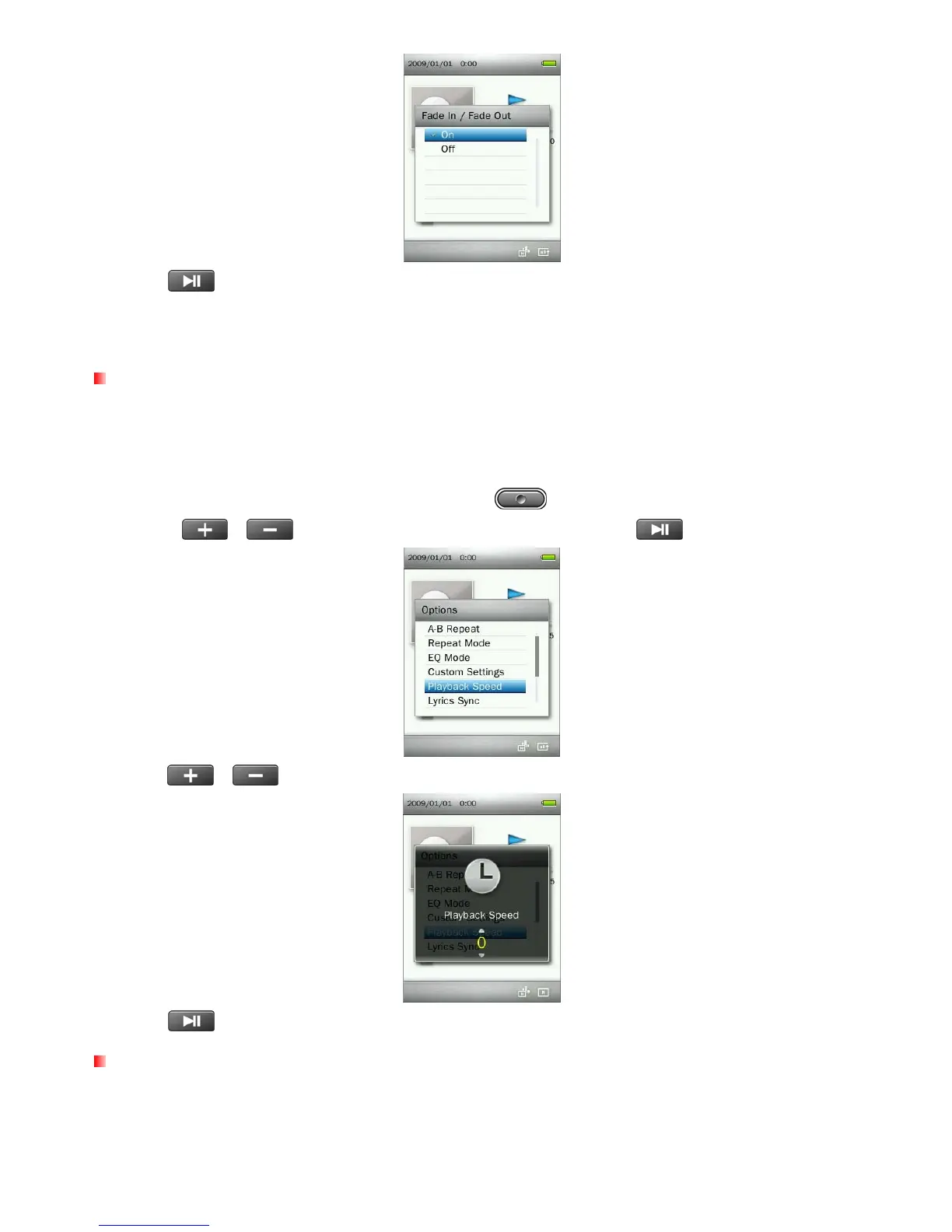
Playback Speed
The speed at which an audio file is played can be increased or decreased. Note: this function only works
when playing MP3 format files. (Adjustment range: -4 ~ +4. Normal speed is 0)
1. While playing a song in the MUSIC mode, press the button to open the Options menu.
2. Use the
/ buttons to select “Playback Speed” and press .
3. Press / until you reach the desired level of playback speed.
4. Press
to confirm the new playback speed.
Lyrics Sync
This function displays synchronized lyrics (if available) on the screen during music playback.
Note: For Lyrics Sync to work, an “xxxxx.lrc” lyrics file with the exact same name as its corresponding music
file must be transferred to the MP860.
24



 To Next Page