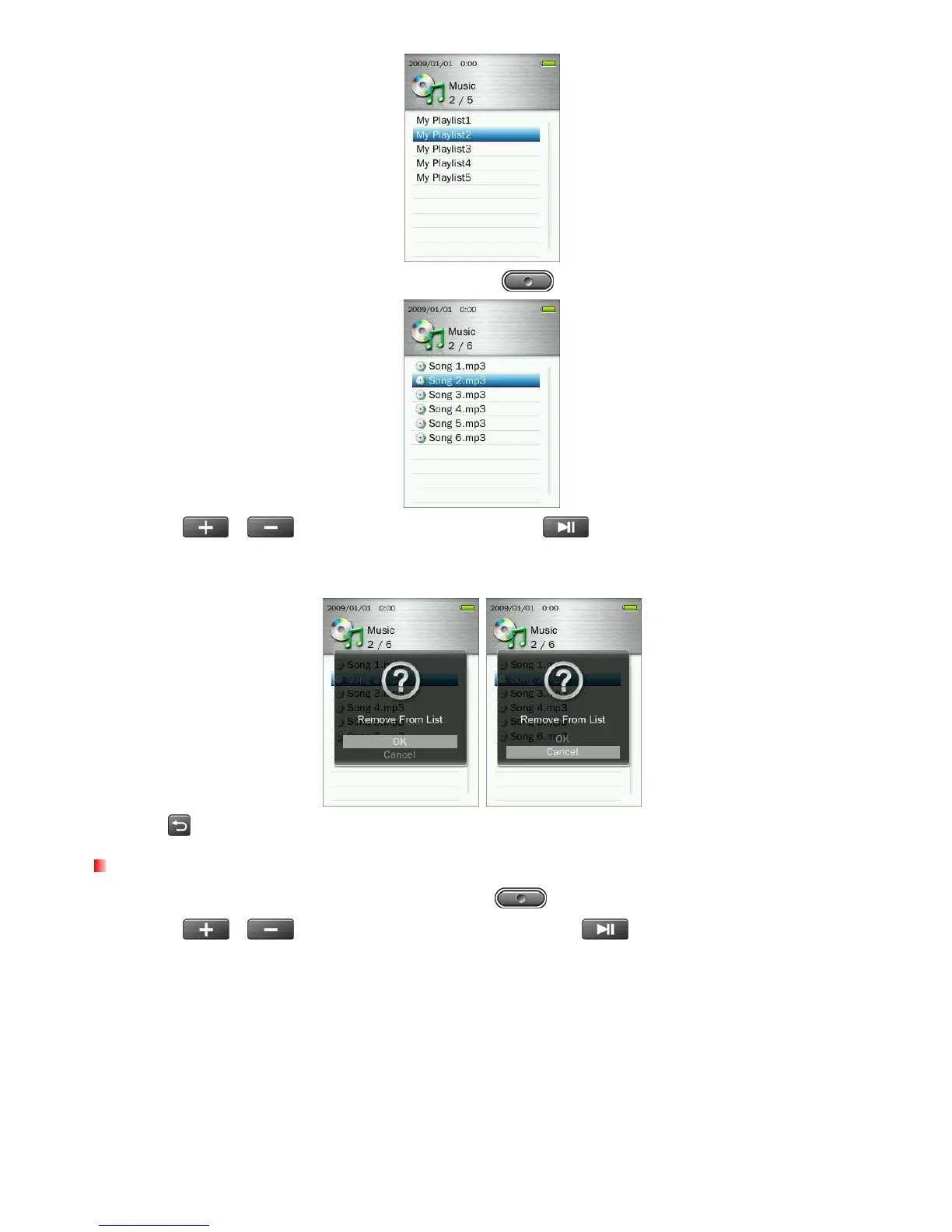
5. Highlight the song you want to remove and press the button.
6. Use the / buttons to select “OK” and press to remove the song (note: this will only
remove the selected song from the current playlist, and will not actually delete the file from the microSD card
or internal memory).
7. Press
to return to My Playlist.
Delete
1. While playing a song in the MUSIC mode, press the button to open the Options menu.
2. Use the
/
buttons to highlight “Delete” and press
. A “Confirm File Delete” message
will appear.
27



 To Next Page