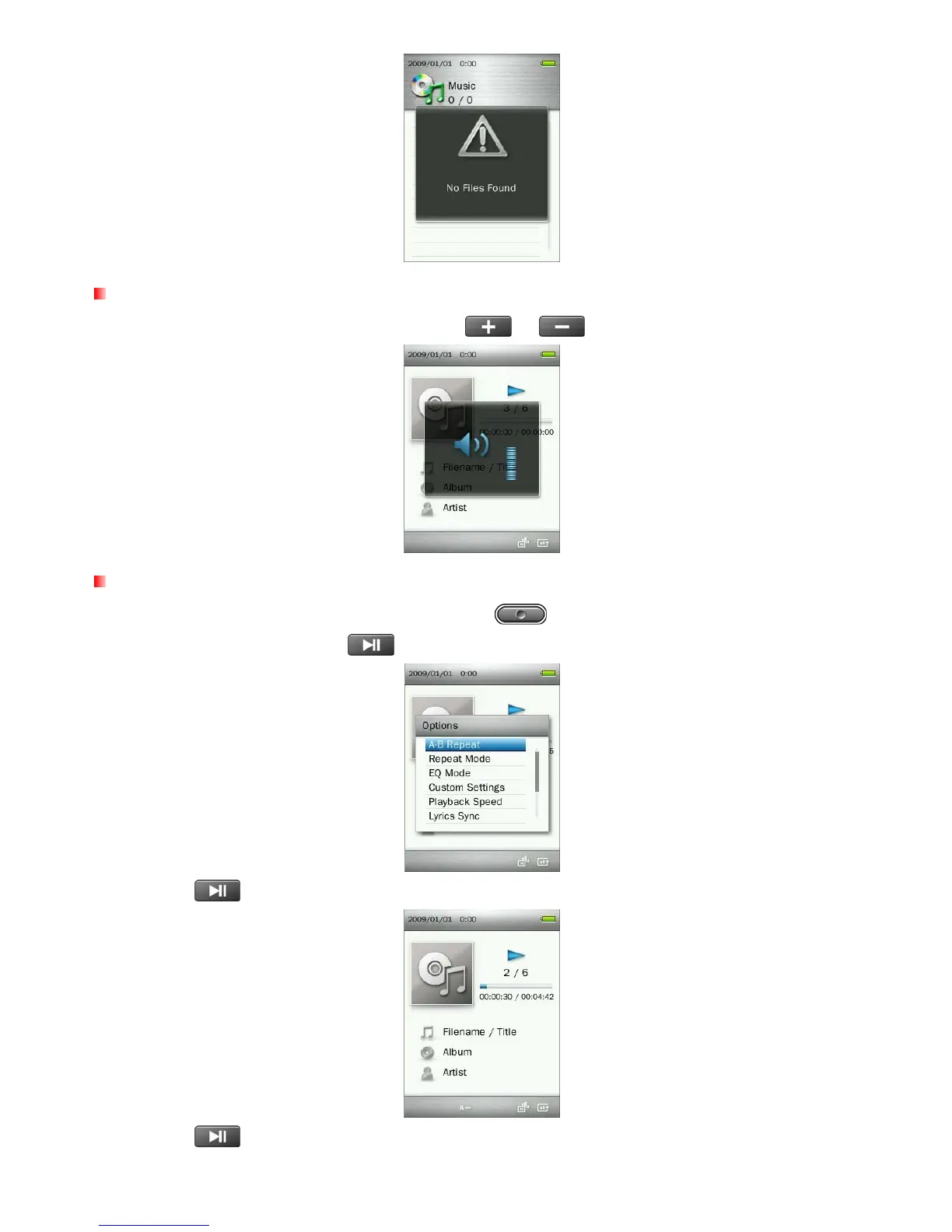
Adjusting the Volume
While playing a song, press once or press and hold or until you reach the desired volume level.
A-B Repeat
1. While playing a song in the MUSIC mode, press the button to open the Options menu.
2. Select “A-B Repeat” and press
to enable this function.
3. Press the button to mark the beginning of the section you want to repeat.
4. Press the button again to mark the end of the section you want to repeat.
19



 To Next Page