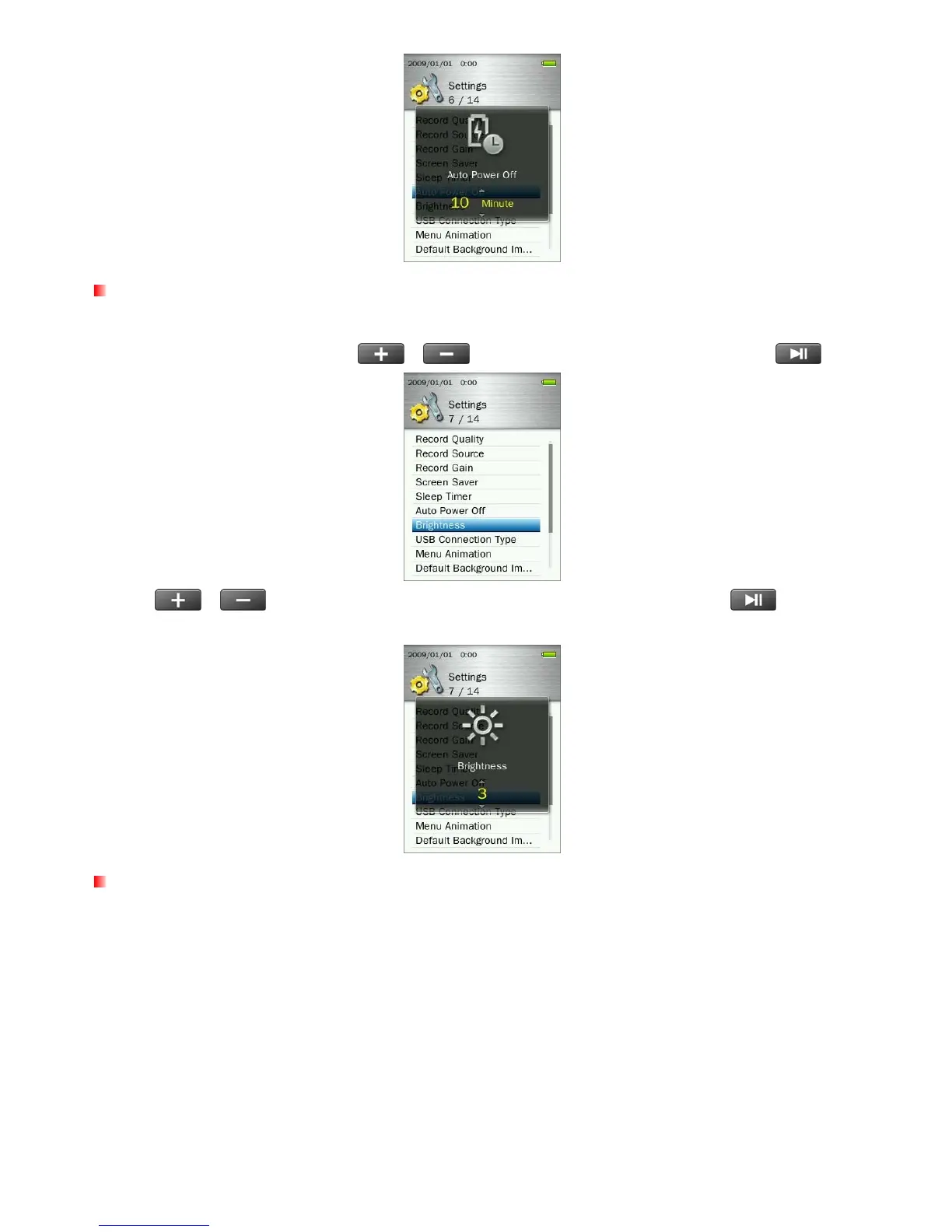
Brightness
This option lets you adjust the brightness of the screen.
1. In the SETTINGS menu, use the
/
buttons to select “Brightness” and press
.
2. Use
/ buttons until you reach the desired level of brightness and press
to confirm.
(Adjustment range: 1 ~ 5)
USB Connection Type
If you own WMA-DRM10 protected music files or if you want to use Windows Media Player 10 to synchronize
music between your computer and the MP860, the Music Transfer Protocol (MTP) must be enabled. This
function lets you switch between MTP or USB transfer modes.
60



 To Next Page