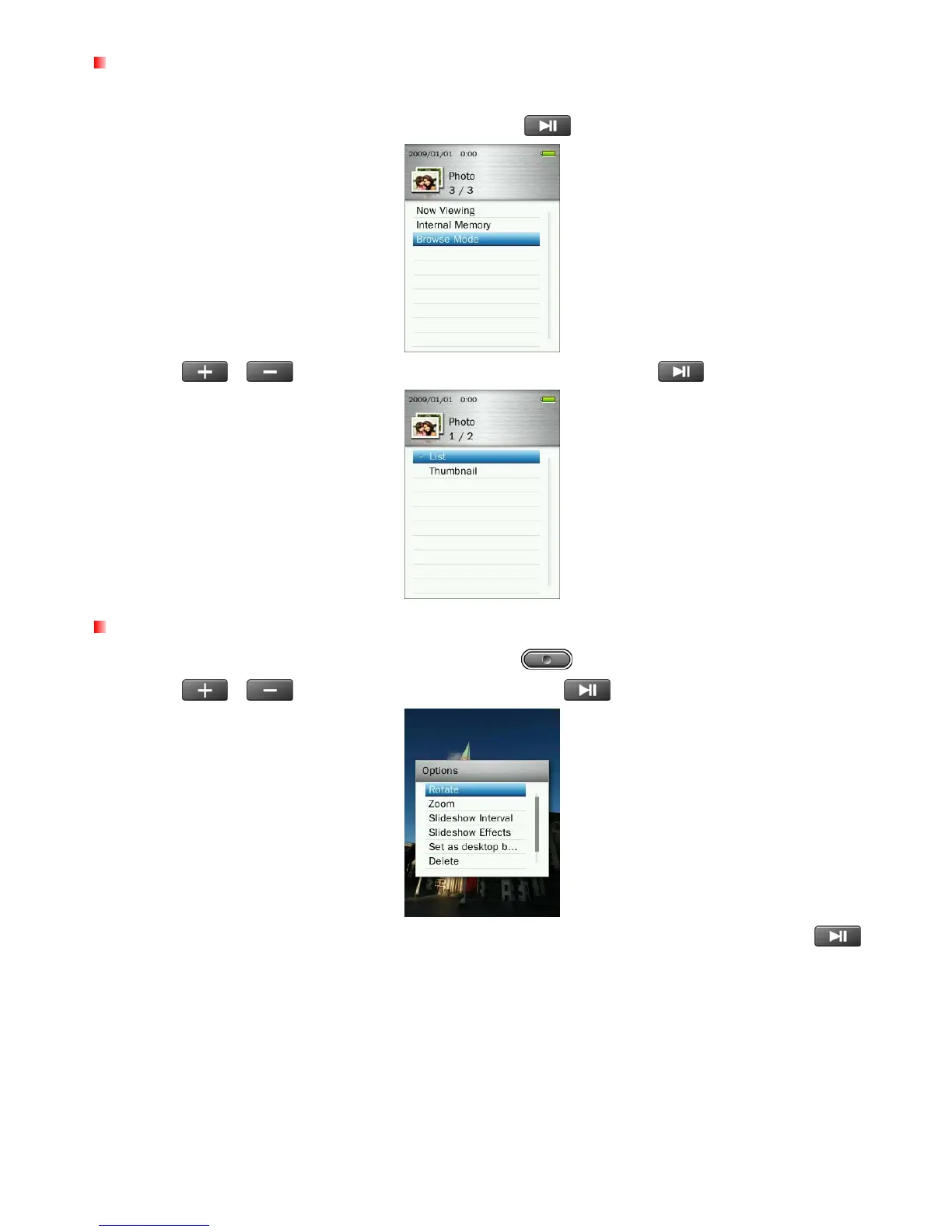
Browse Mode
This option lets you adjust the way files are displayed on the screen when browsing for a specific photo.
1. In the PHOTO mode, select “Browse Mode.” and press
.
2. Use the
/
buttons to select “List” or “Thumbnail” and press
.
Rotate
1. While viewing an image in the PHOTO mode, press the button to open the Options menu.
2. Use the
/
buttons to select “Rotate” and press
.
3. Choose the degree amount that way you want to rotate the image by (90, 180, 270) and press
to
confirm.
40



 To Next Page