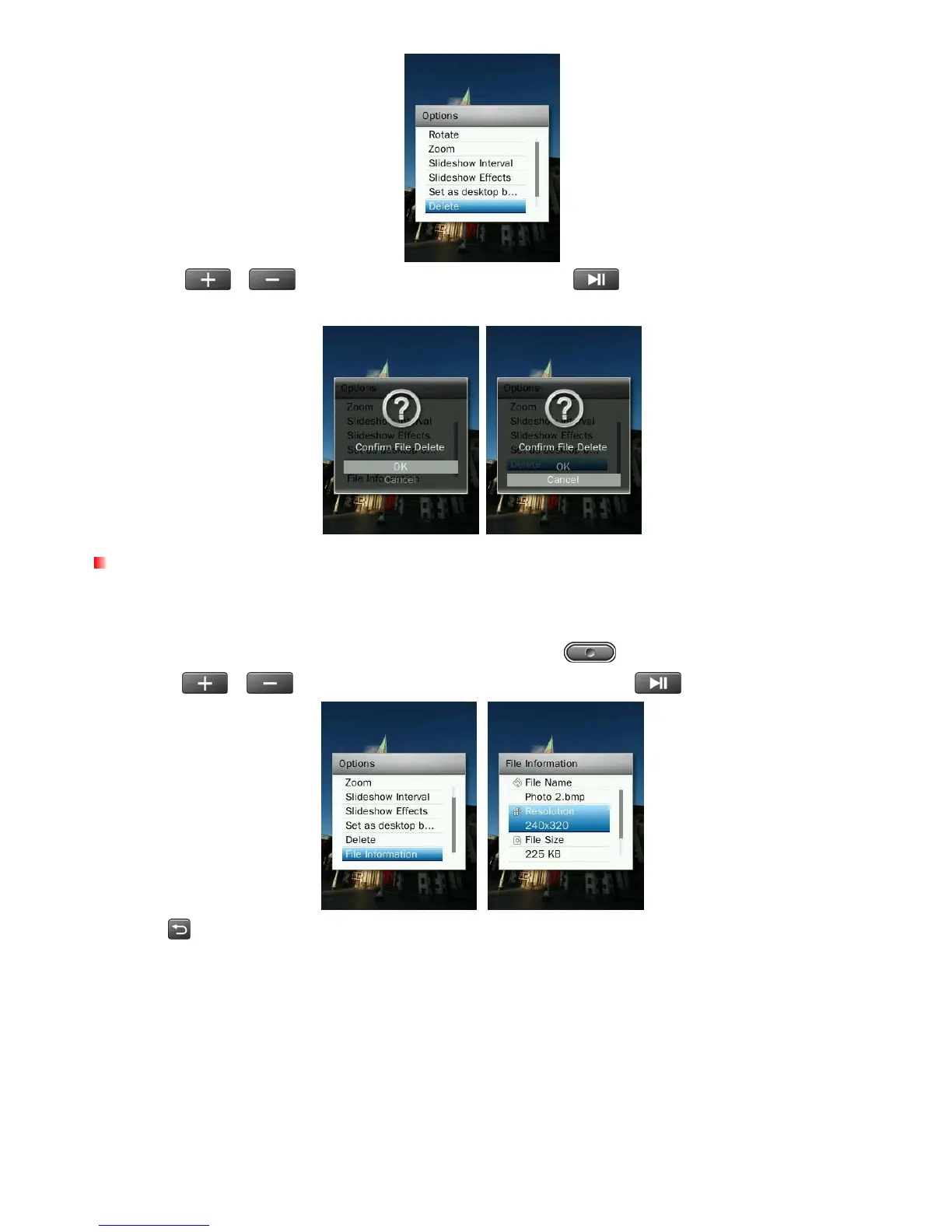
3. Use the
/ buttons to highlight “OK” and press to permanently delete the currently
displayed picture, or select “Cancel"to return to the Options menu without deleting.
File Information
This option will display all information about the photo file currently playing (File Name, Resolution, File Size, Date
Created)
.
1. While displaying an image file in the PHOTO mode, press the button to open the Options menu.
2. Use the /
buttons to select “File Information” and press
.
3. Press
to return to the Options menu.
44



 To Next Page