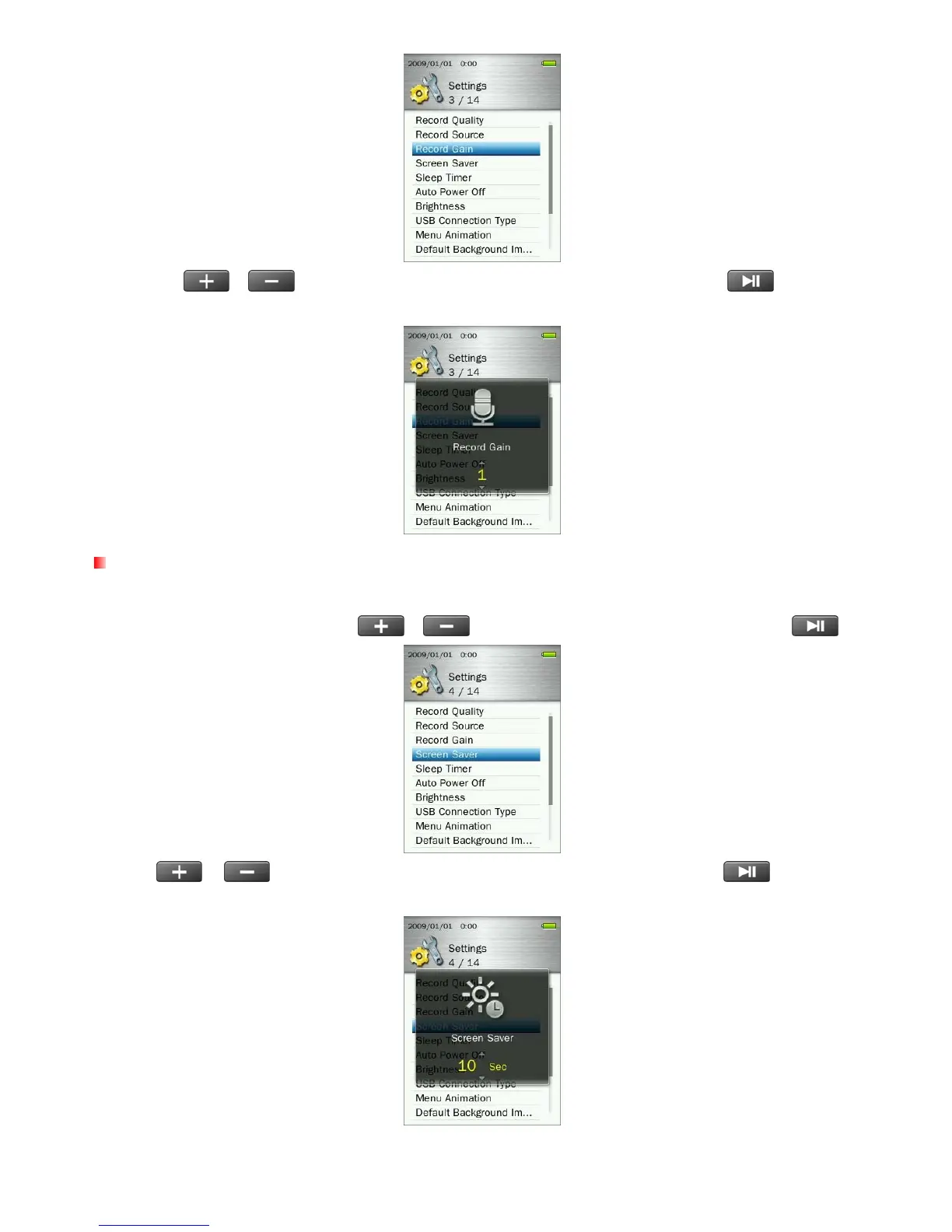
2. Use the
/
buttons to select your desired amount of gain and press
to confirm.
Adjustment range: 1 ~ 7 or Off (7=highest gain, 1=lowest gain)
Screen Saver
This function lets you enable/disable the screen saver, and set the screen saver’s auto-activation time delay.
1. In the SETTINGS menu, use the
/ buttons to select “Screen Saver” and press .
2. Use
/ buttons until you reach the desired time delay and press
to confirm.
(Adjustment range: 10 Sec ~ 180 Sec or Off)
58



 To Next Page