Maximum Record Time / Quality Table
Sample rate Channels 4GB 8GB
Low (8KHz) 1 (mono) 256 hrs 512 hrs
Med (16KHz) 1 (mono) 128 hrs 256 hrs
MIC
High (32KHz) 1 (mono) 64 hrs 128 hrs
Sample rate Channels 4GB 8GB
Low (8KHz) 2 (stereo) 128 hrs 256 hrs
Med (16KHz) 2 (stereo) 64 hrs 128 hrs
FM / Line In
High (32KHz) 2 (stereo) 32 hrs 64 hrs
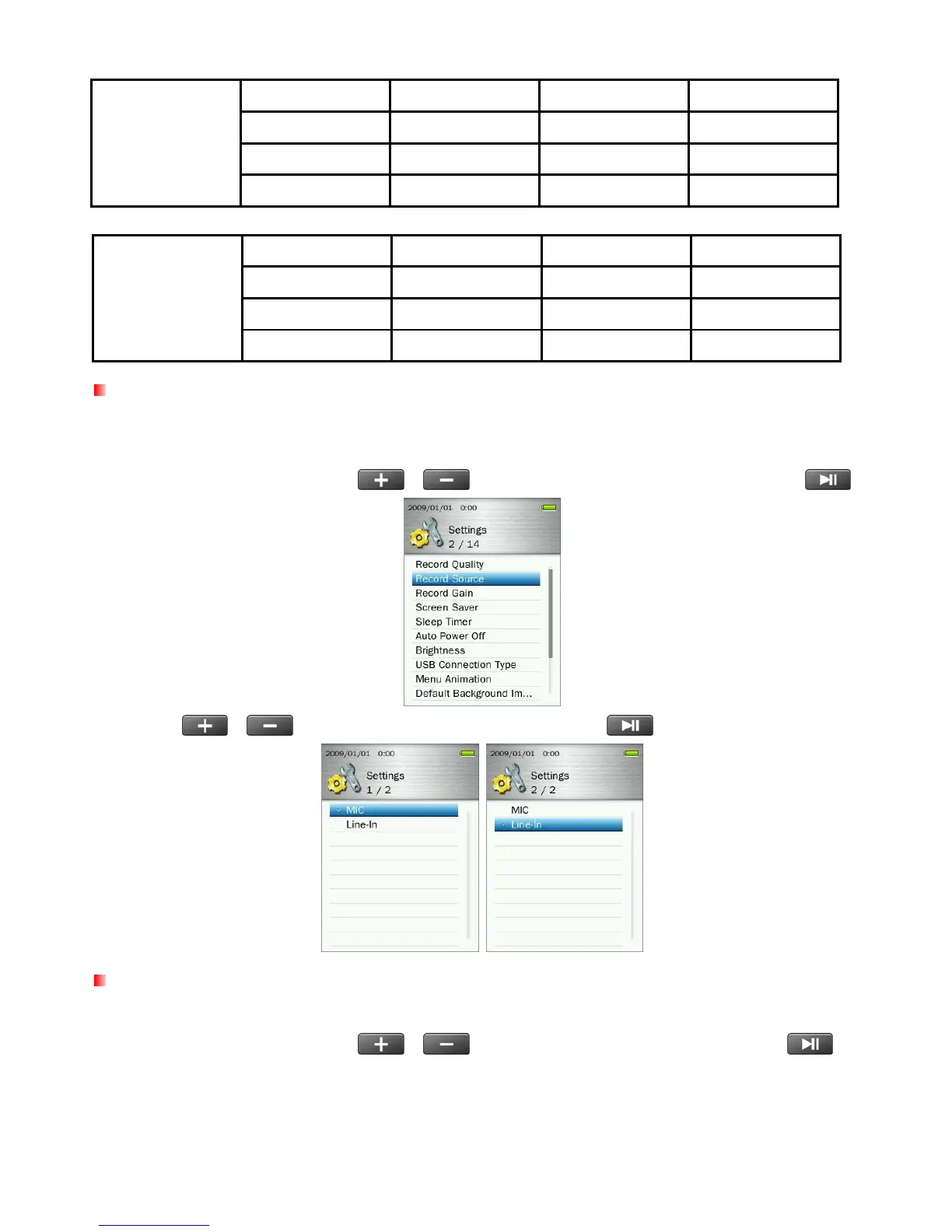
Record Source
Select between MIC (Built-In Microphone) or LINE-IN (for CD Players or other sources) as the Audio
Recording method used by the MP860.
1. In the SETTINGS menu, use the
/ buttons to select “Record Source” and press .
2. Use the
/
buttons to select MIC or Line-In and press
to confirm.
Record Gain
This option allows you to increase the input volume when recording voice or audio.
1. In the SETTINGS menu, use the
/
buttons to select “Record Gain” and press
.
57



 To Next Page