Settings︱
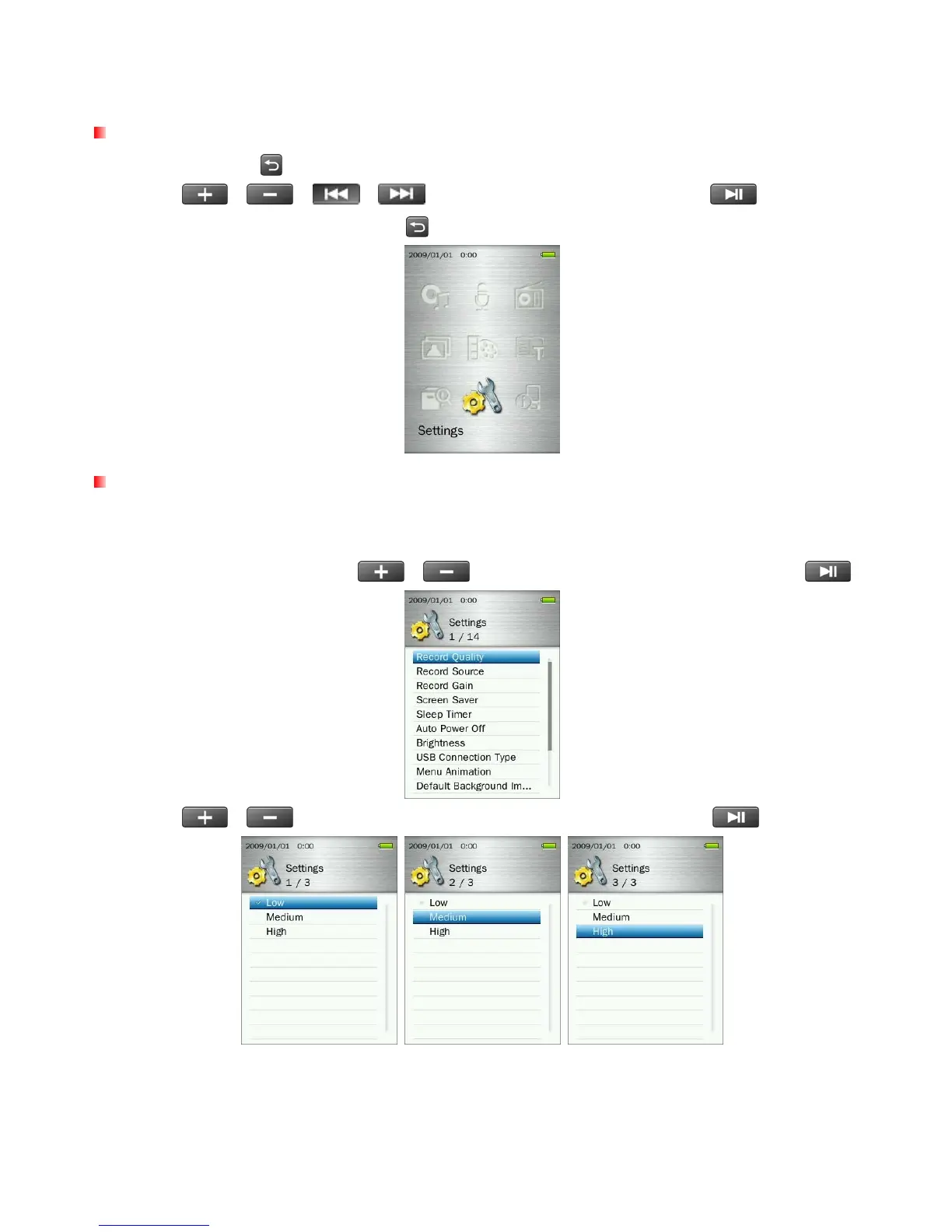
The Settings Menu
1. Press and hold the
button to go to the Main Menu.
2. Use the
/
/
/ buttons to select “Settings” and press .
3. To exit the SETTINGS menu, press the
button.
Record Quality
The quality of an audio recording can be set to Low, Medium, or High. Higher recording quality settings
require more memory space to save the recorded WAV files.
1. In the SETTINGS menu, use the
/ buttons to select “Record Quality” and press .
2. Use the
/
buttons to select Low, Medium, or High quality and press
to confirm.
ο FM Radio and Line In are recorded in Stereo. MIC voice recordings are recorded in Mono.
ο For best voice recording results, try to position the MP860’s microphone as close as possible to the
source of the sound or voice you are recording.
56



 To Next Page