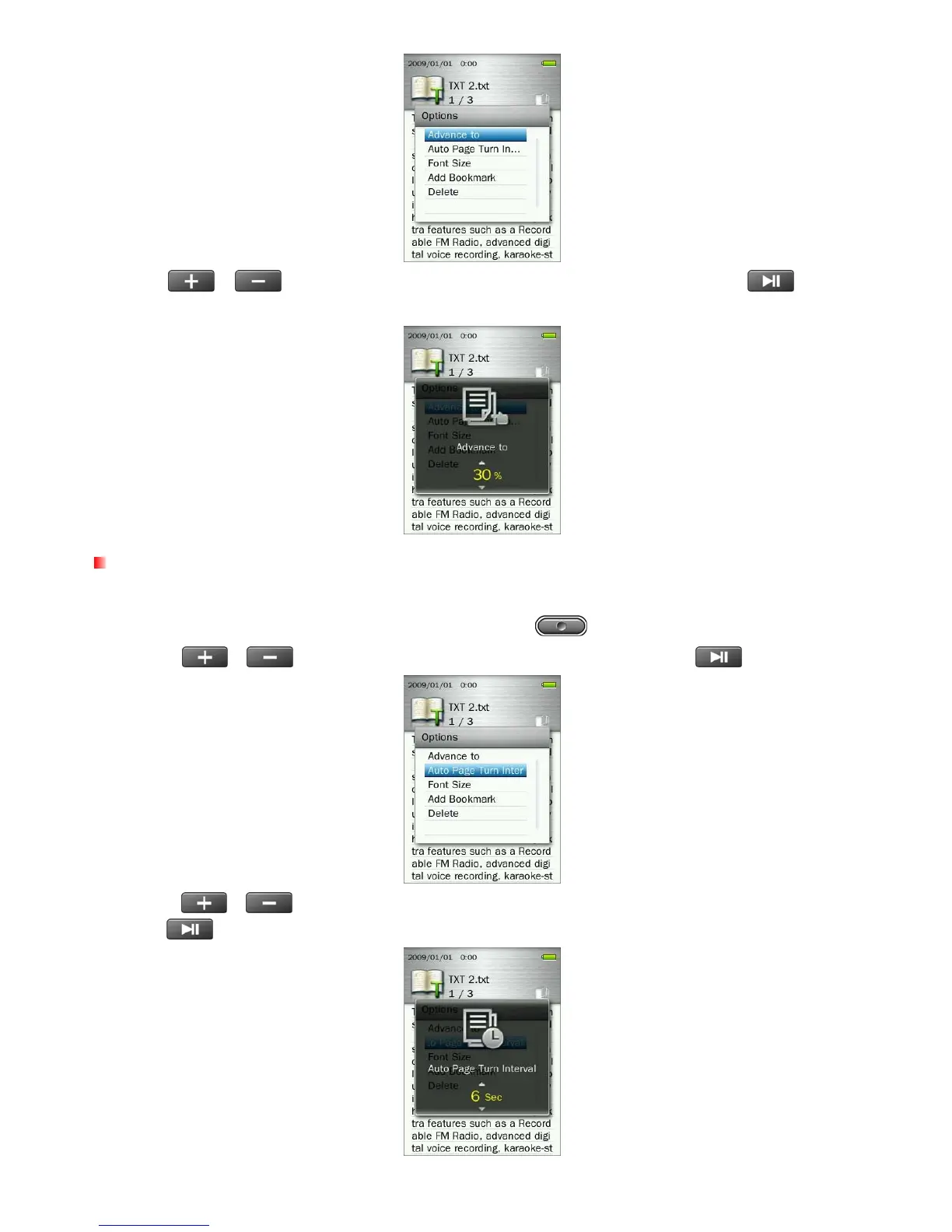
3. Press / to increase or decrease percentage in 5% steps and press to confirm.
(Adjustment range: 0% ~100%)
Auto Page Turn Interval
Sets the speed at which pages are automatically turned.
1. While reading a text file in the E-BOOKS mode, press the button to open the Options menu.
2. Use the /
buttons to select “Auto Page Turn Interval” and press
.
3. Use the /
buttons until you reach the desired interval time of pages turning automatically and
press
to confirm. (Adjustment range: 3 Sec, 6 Sec, 9 Sec, 12 Sec, 15 Sec)
50



 To Next Page