File Management︱
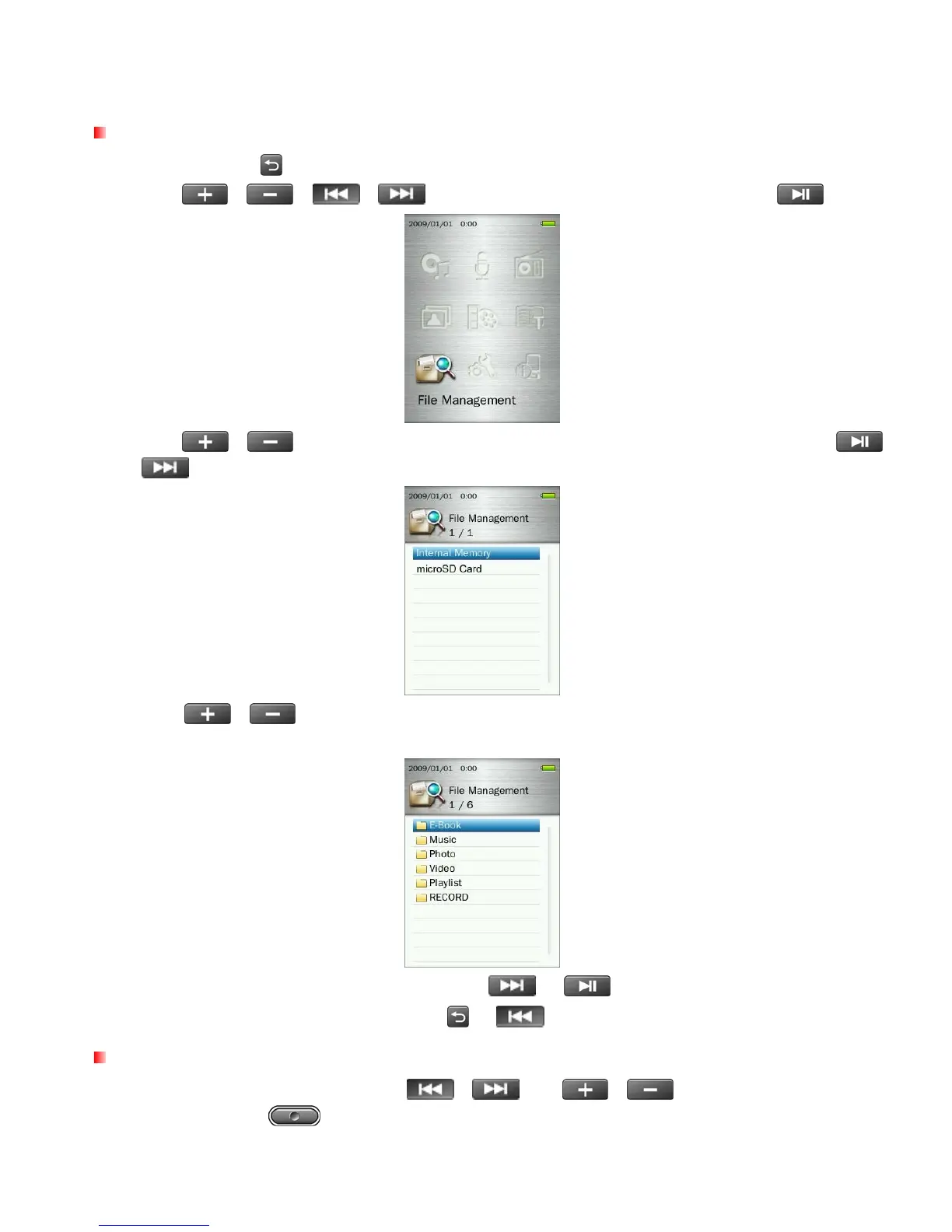
Browsing the Internal Memory or microSD Card
1. Press and hold the
button to enter the Main Menu.
2. Use the
/
/
/ buttons to select “File Management” and press .
3. Use the
/ buttons to select either “Internal Memory” or “microSD Card” and press
or
.
4. Use the
/
buttons to scroll up and down through the available folders and files in the root
directory of the selected storage device.
5. To open a folder or file, highlight it and press either
or .
6. To exit a folder and move up one level, press
or .
Moving & Copying Files / Folders
1. In the File Management menu use the /
and
/
buttons to highlight a file or
folder and press the
button to open the Options menu.
53



 To Next Page