Recording the Radio
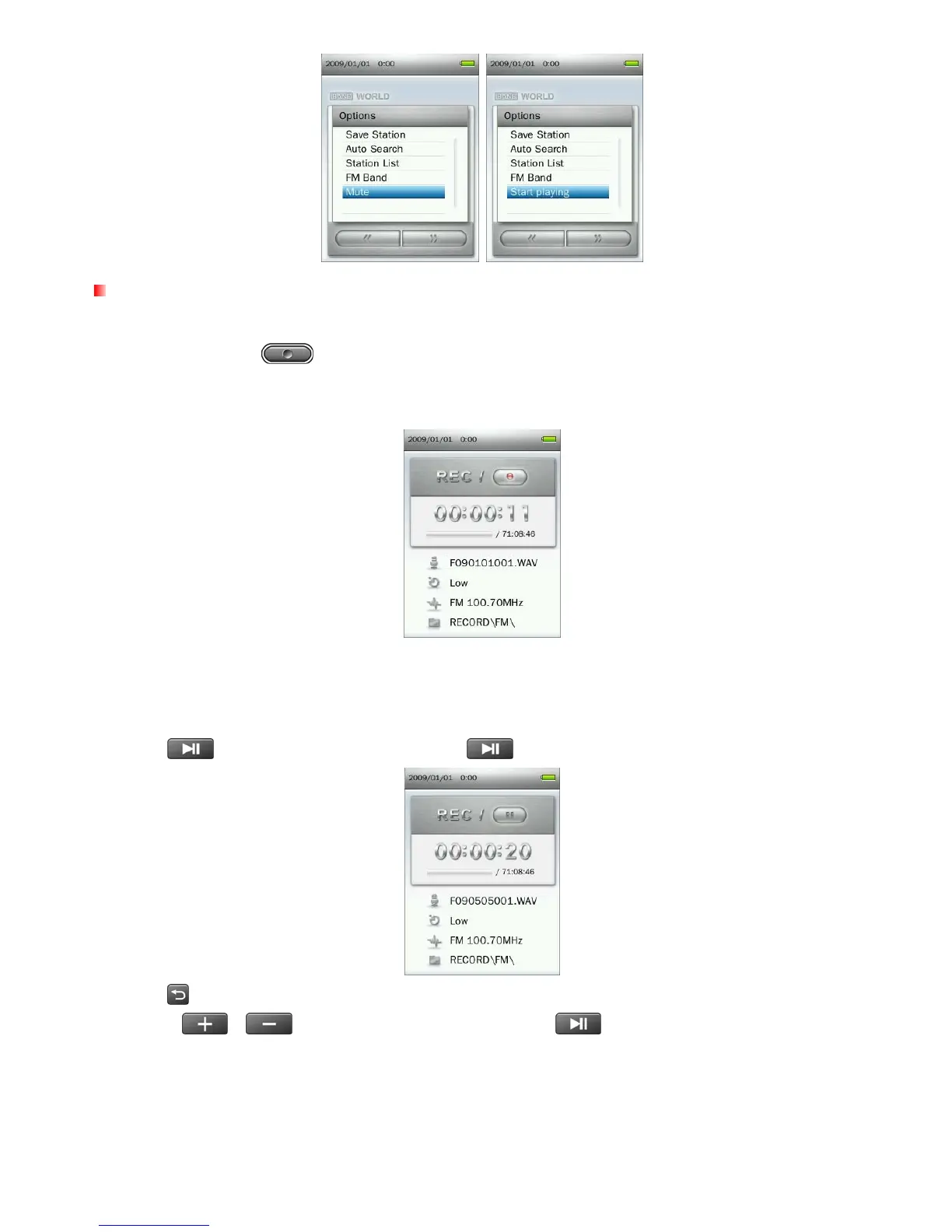
1. Select a radio station that you want to record.
2. Press and hold the
button for 2 seconds to begin recording the station.
3. An automatically generated file name for your recording, along with the current record quality, FM frequency,
and file destination will appear on the screen.
ο FM Recordings are named and numbered in this format: “FYearMonthDay###.WAV”
Ex: “ F090123012.WAV “ would be the twelfth FM recording made on January 23, 2009
ο FM recordings are saved in the Internal Memory / RECORD / FM
4. Press
to pause the recording, and press again to resume.
5. Press
button. A “Stop Recording” message will appear.
6. Use the
/ buttons to highlight “OK” and press to save the recording and return to the
RADIO mode.
37



 To Next Page