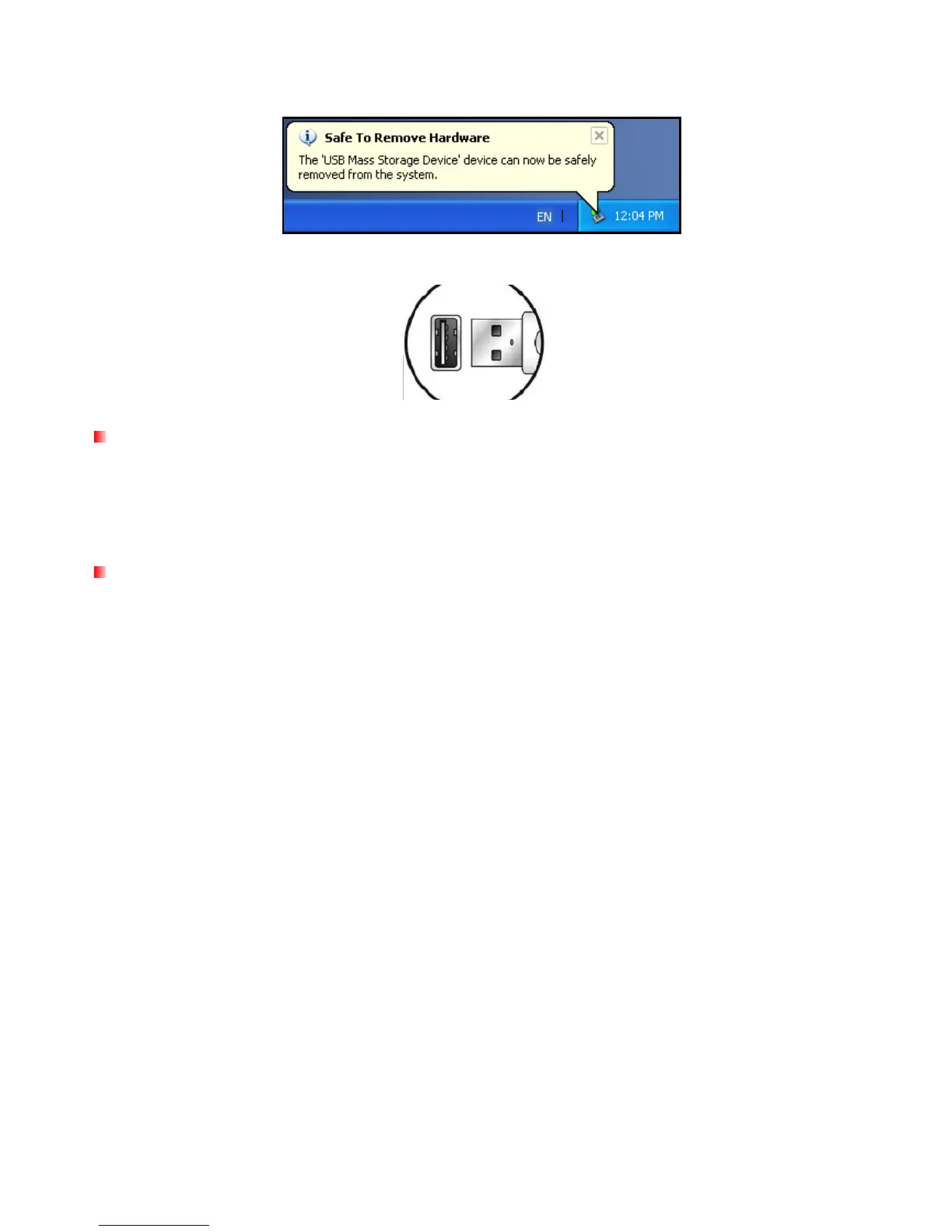
3. A window will appear stating “The ‘USB Mass Storage Device’ device can now be safely removed from
the system.”
4. Unplug the MP860 from your computer.
Disconnecting the MP860 in Mac
®
OS 10.0 or Later
1. Drag and drop the Disk icon that corresponds to your MP860 into the trashcan.
2. Unplug your MP860 from the USB port.
Disconnecting the MP860 in Linux
®
Kernel 2.4 or Later
1. Execute umount /mnt /MP860 to un-mount the device.
2. Unplug your MP860 from the USB port.
70



 To Next Page