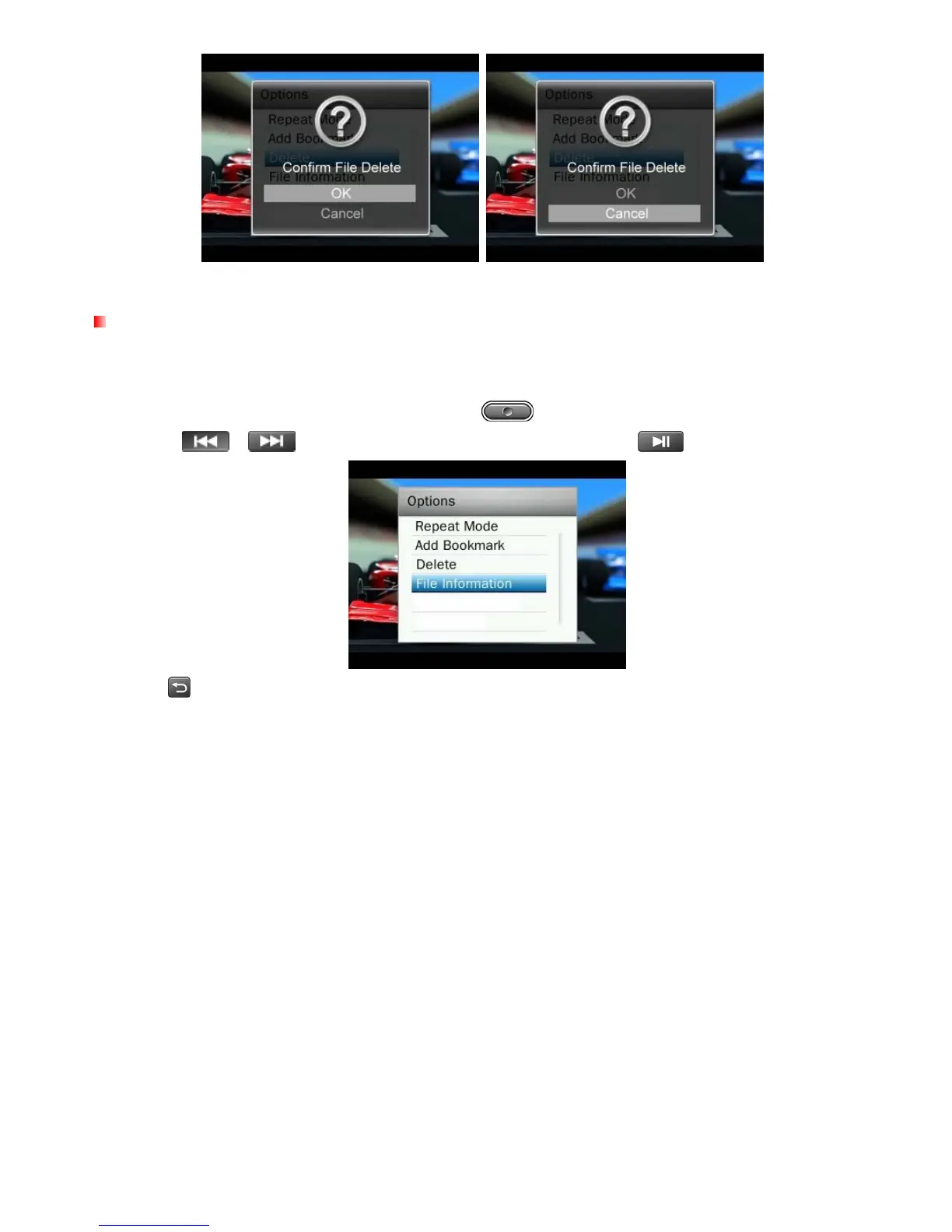
File Information
This option will display all information about the video file currently playing (File Name, Resolution, Frame Rate, Bit
Rate, Total Time, File Size).
48
1. While viewing a file in the VIDEO mode, press the button to open the Options menu.
2. Use the /
buttons to select “File Information” and press
.
3. Press
to return to the Options menu.



 To Next Page