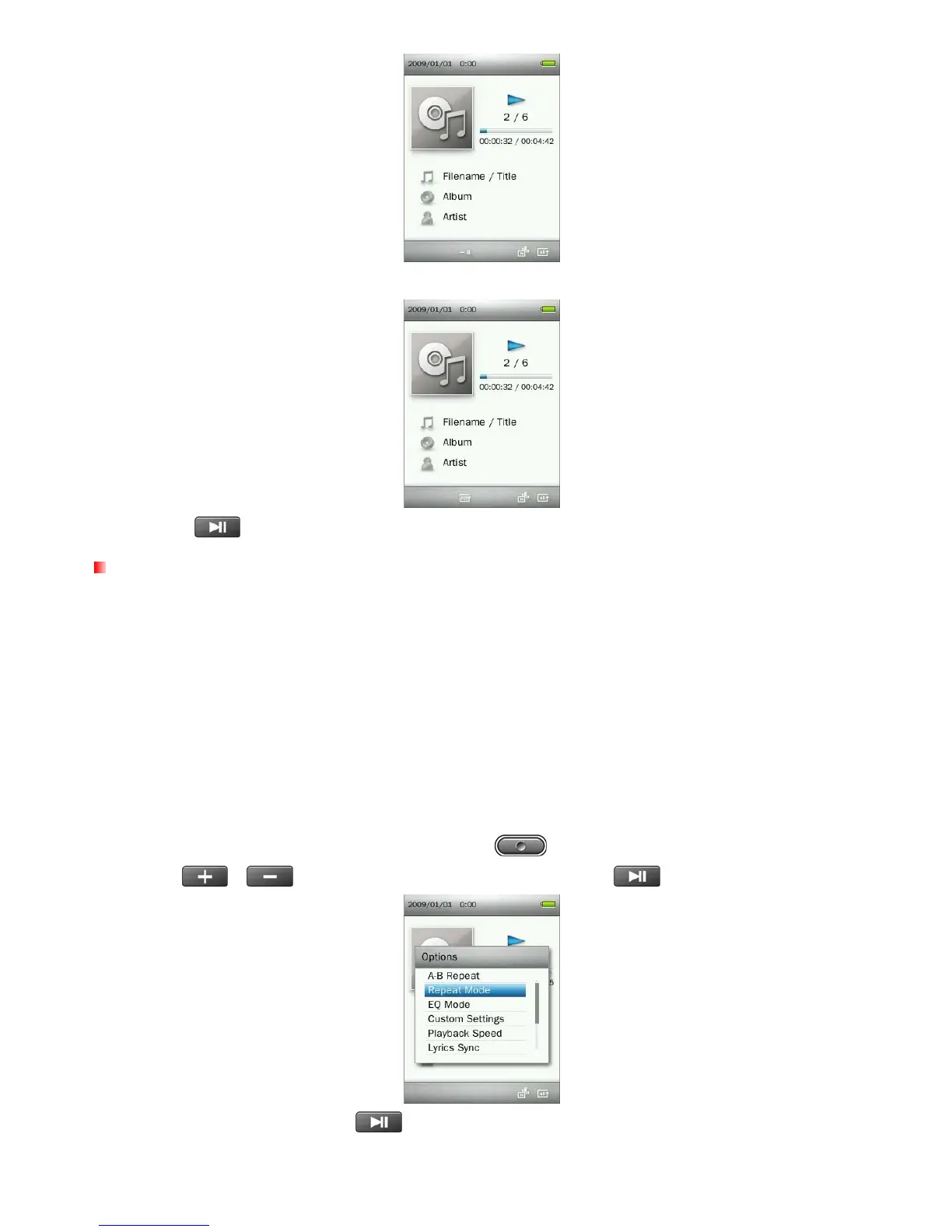
5. The marked section of the song will playback in a continuous loop.
6. Press the button once more to stop the A-B repeat function.
Repeat Mode
There are seven Repeat modes to choose from:
Normal (plays all music files available one time, in consecutive order)
Repeat One (continuously repeats the current song)
Repeat All (continuously repeats playback of all music files available, in consecutive order)
Shuffle & Repeat (continuously repeats playback of all music files available, in random order)
Normal in Folder (plays all music files in a folder one time, in consecutive order)
Repeat in Folder (continuously repeats playback of all music files in a folder, in consecutive order)
Shuffle in Folder (plays all music files in a folder, in random order)
1. While playing a song in the MUSIC mode, press the
button to open the Options menu.
2. Use the / buttons to select “Repeat Mode” and press .
3. Select a repeat mode and press
to confirm.
20



 To Next Page