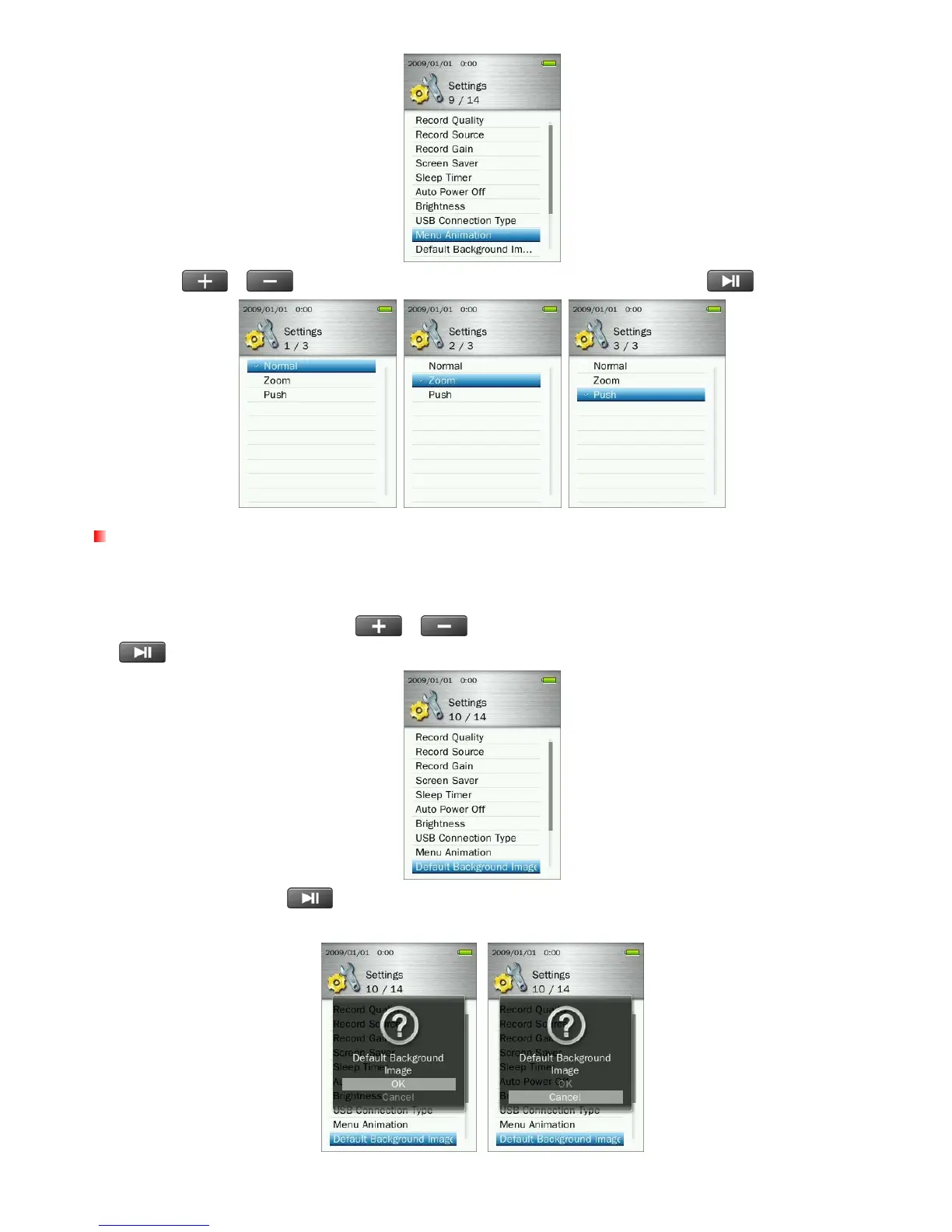
2. Use the
/ buttons to select “Normal”, “Zoom” or “Push” and press
to confirm.
Default Background Image
When a user-selected picture is set as the background image, this option can be used restore the original
look of the MP860 menus.
1. In the SETTINGS menu, use the
/ buttons to select “Default Background Image” and press
.
2. Select “OK” and press
to confirm and restore the default background image, then return to Main
menu.
62



 To Next Page