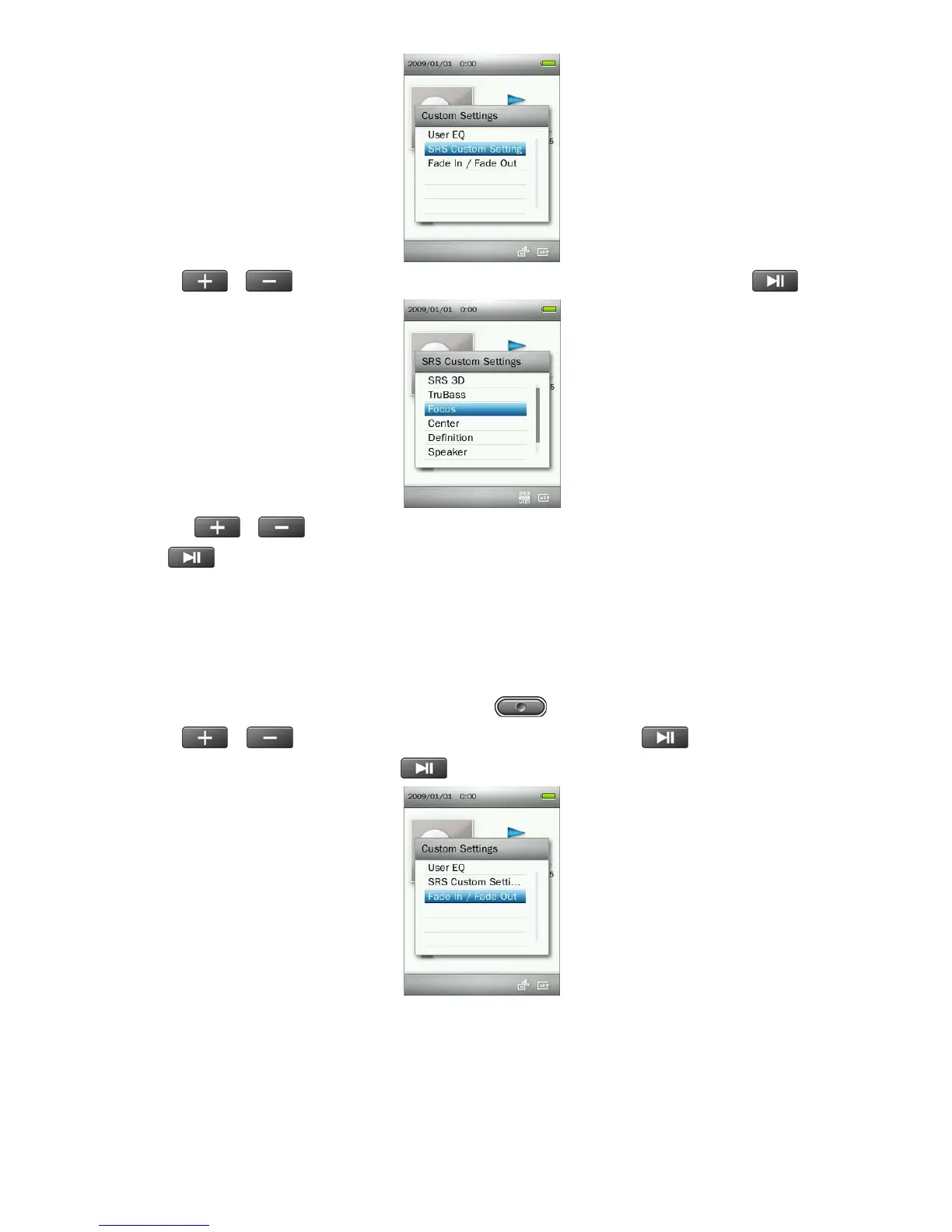
4. Use the /
buttons to select the SRS mode you want to adjust, then press
to enter.
5. Press the /
buttons to adjust the value.
23
6. Press
to confirm and return to the “SRS Custom Settings” menu.
C. Fade In / Fade Out:
When this function is enabled, the volume will gradually decrease at the end of each song, and gradually
increase as the next song starts.
1. While playing a song in the MUSIC mode, press the
button to open the Options menu.
2. Use the / buttons to select “Custom Settings” and press .
3. Select “Fade In / Fade Out” and press .
4. Select “On” to turn on this function, or “Off ” to turn the function off.



 To Next Page