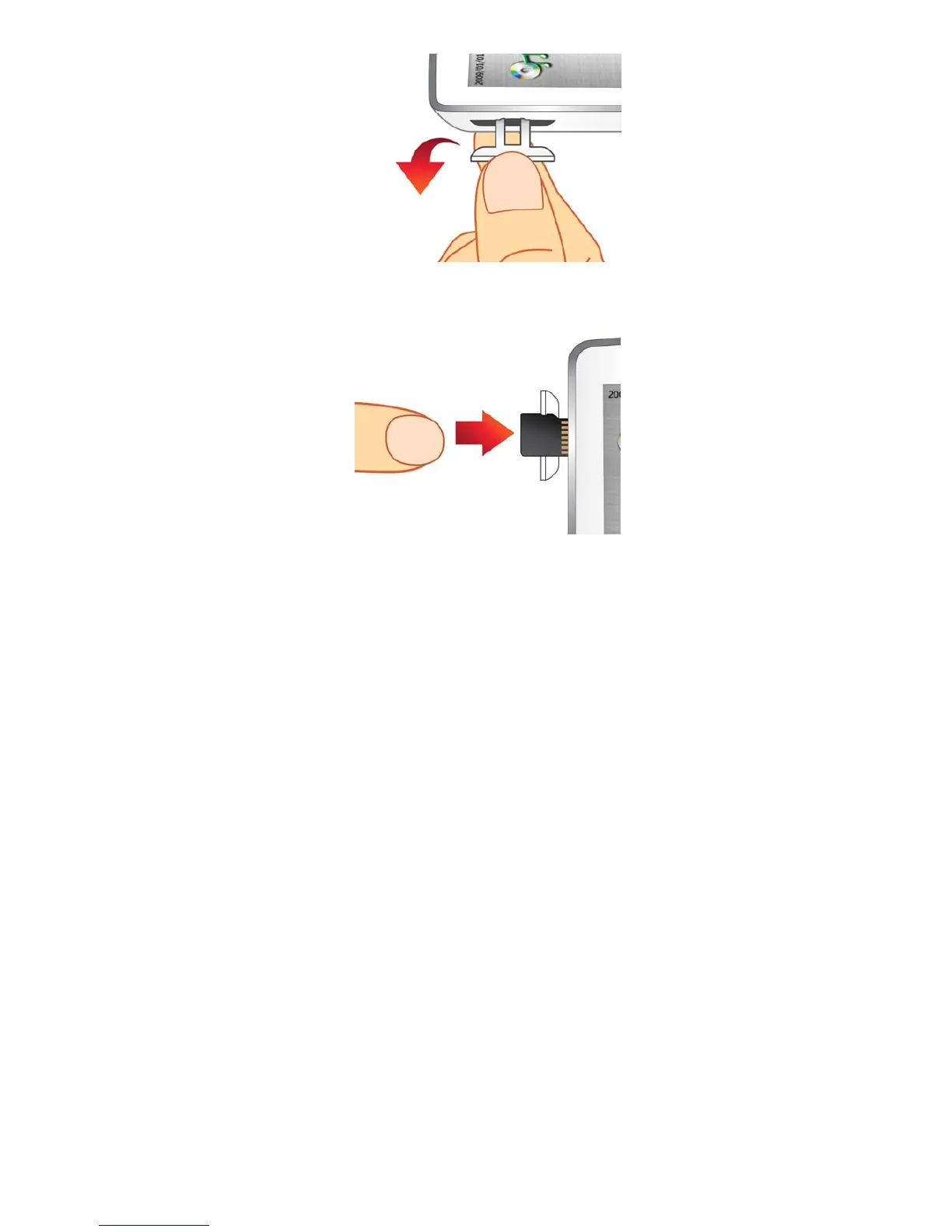
2. Insert the microSD card completely into the slot, applying gentle pressure with your fingertip until it clicks
securely into place.
3. To remove the microSD card, gently push the card inward with your fingernail until it springs free, then
pull it directly out of the slot.
ο For best results and compatibility, we strongly recommend using a Transcend microSD Card.
Transcend is not responsible for any damage caused by using a non-Transcend brand
memory card in the MP860 music player.
ο Do not remove a microSD card while accessing files (playback or browsing) on the card. This can
cause accidental deletion of data, product malfunction or damage to the microSD card.
17



 To Next Page