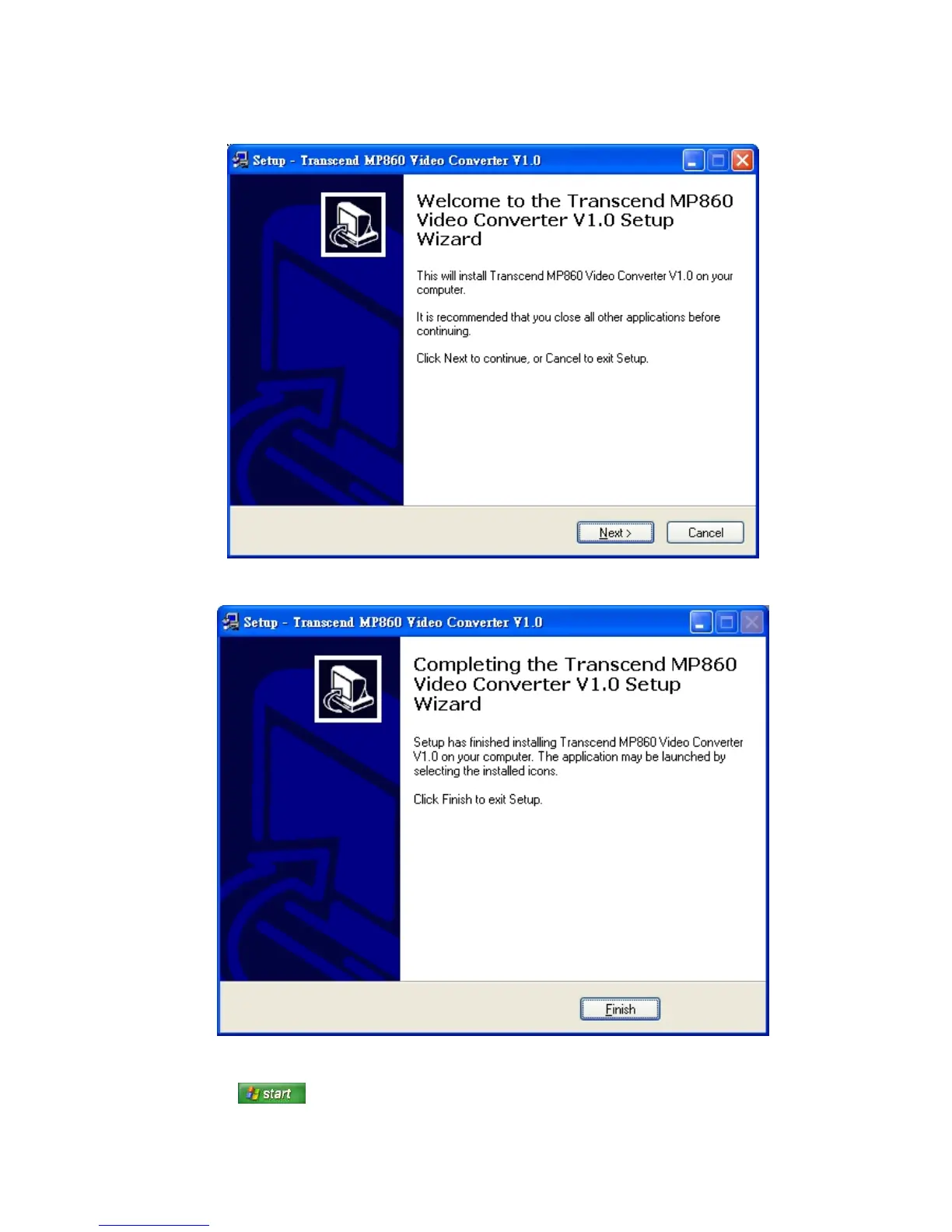
3. Select “Video Converter” and follow the instructions that follow to install the MP860 Video Converter.
4. The “InstallShield Wizard” window will appear. Click the “Next” button to continue. The InstallShield
Wizard will guide you through the installation process.
5. When the MP860 Video Converter is finished installing, click the “Finish” button to exit the wizard.
6. The MP860 Video Converter can be found in:
> Programs > Transcend > MP860 > Video Converter
72



 To Next Page