1 Introduction
Unpacking the instrument
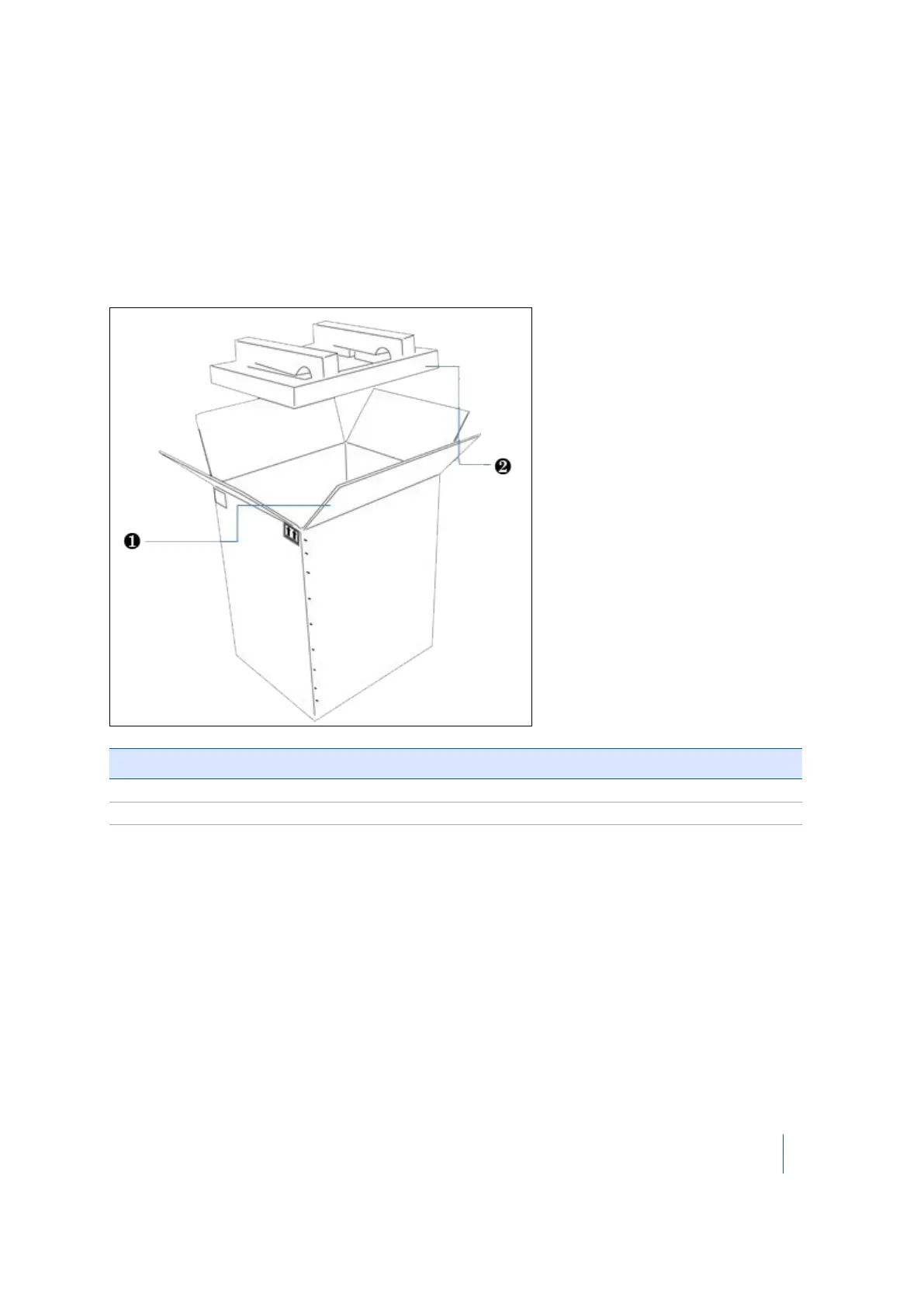
Shipping box
The TX8 3D scanner is packed inside an instrument case, and the instrument case is transported
inside a shipping box. The shipping box is a cardboard box with two foam pads—one on top and
one on bottom.
Item Description
❶ Flap
❷ Foam pads (x2)
To open the shipping box:
1. Open the seam by cutting the tape or staples.
2. Unfold the four flaps and then remove the top foam padding.
Note – Trimble recommends that you keep the shipping box and its foam padding in case you
need to transport the instrument; the box and foam padding provide additional safety for the
instrument. See Transporting the instrument, page 19.
Trimble TX8 3D Laser Scanner User Guide 11



 To Next Page