3 Setup
6.
If you do not have Internet access, use the link below to download the LAN9500 executable and
manually install the driver.
LAN 9500 drivers
7.
Use the link below to download the VNC Viewer and copy either the 32-bit or 64-bit version to
your device.
RealVNC Viewer
8.
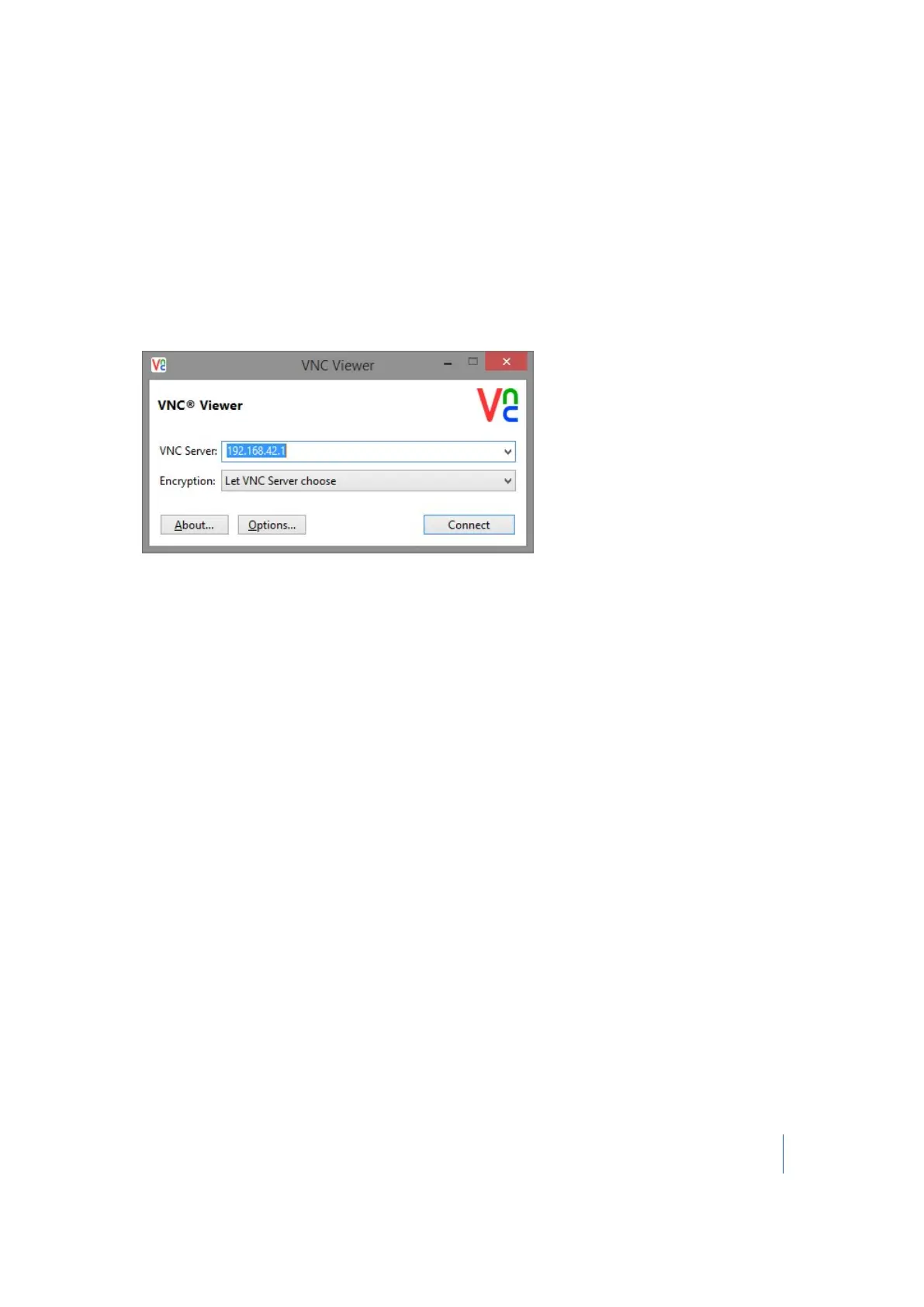
Double-click the VNC Viewer executable to run the program.
9.
Configure the VNC Server with the IP address of 192.168.42.1 as shown and then click Connect:
10.
The Trimble TX8 user interface will display on your remote device for remote operation of the
instrument.
Note – Remote devices with Micro USB ports require an OTG-to-USB adapter.
Changing the default settings
The instrument has factory default settings for date, time, and unit of measurements. Before using
the instrument, you should change these to meet your requirements. See Setting the date and time
(page 84) and Selecting the measurement units (page 85).
Trimble TX8 3D Laser Scanner User Guide 49



 To Next Page