4 Software
Scan parameters
1.
From the main menu, tap .
If you do not have a USB flash drive attached to the instrument, a message appears and
prompts you to insert one.
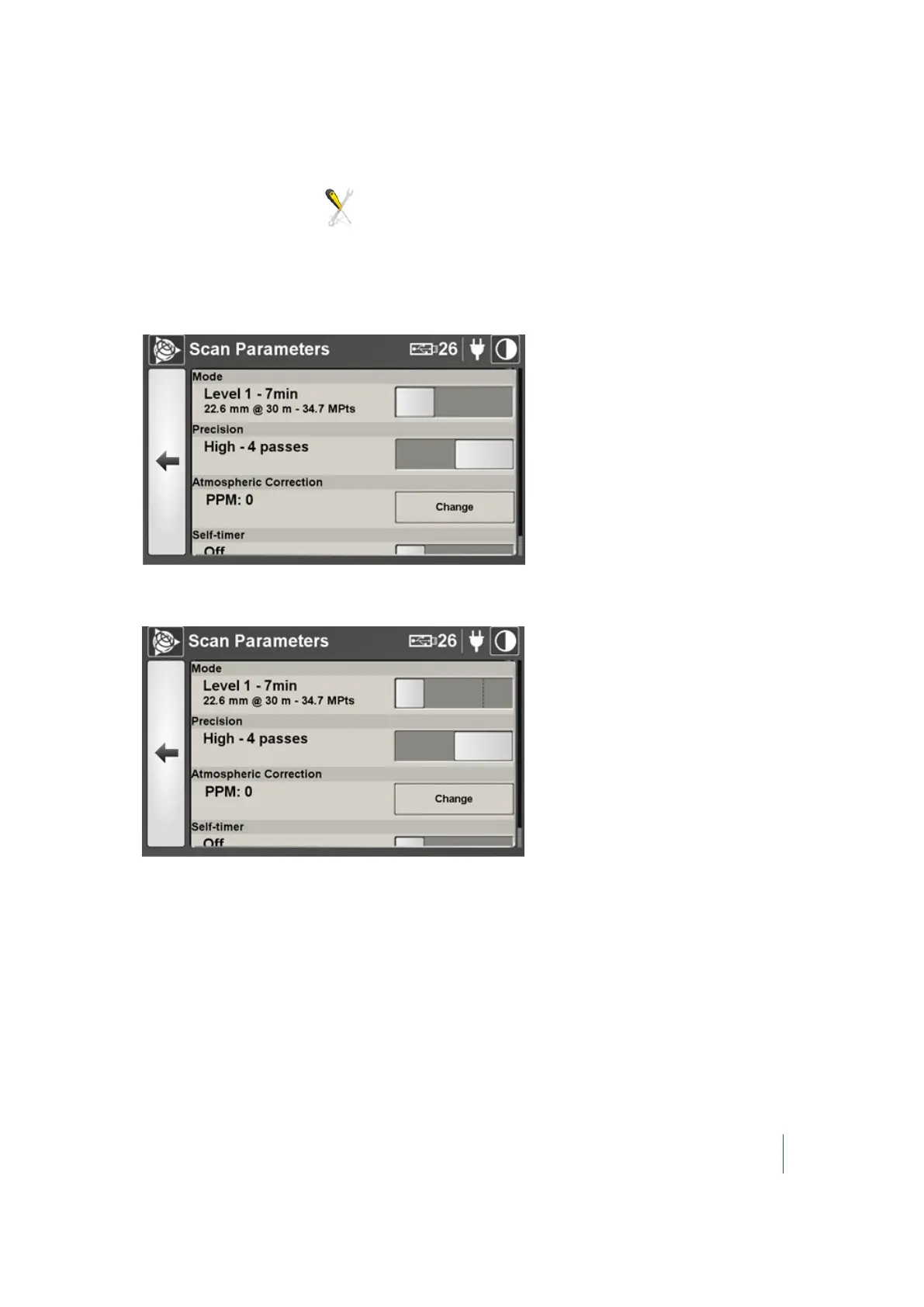
The Scan Parameters dialog appears. It looks as shown below, when the instrument is
delivered in its standard version:
The Scan Parameters dialog looks as shown below when the instrument is delivered with the
extended range option enabled.
2.
In this dialog, you can:
l l Choose a scan mode. See page 73.
l Choose a scan precision. See page 77.
l Apply an atmospheric correction. See page 77
l Enter the Instrument height. See page 80.
l Set the self-timer. See page 81
Trimble TX8 3D Laser Scanner User Guide 72



 To Next Page