4 Software
Using the self-timer
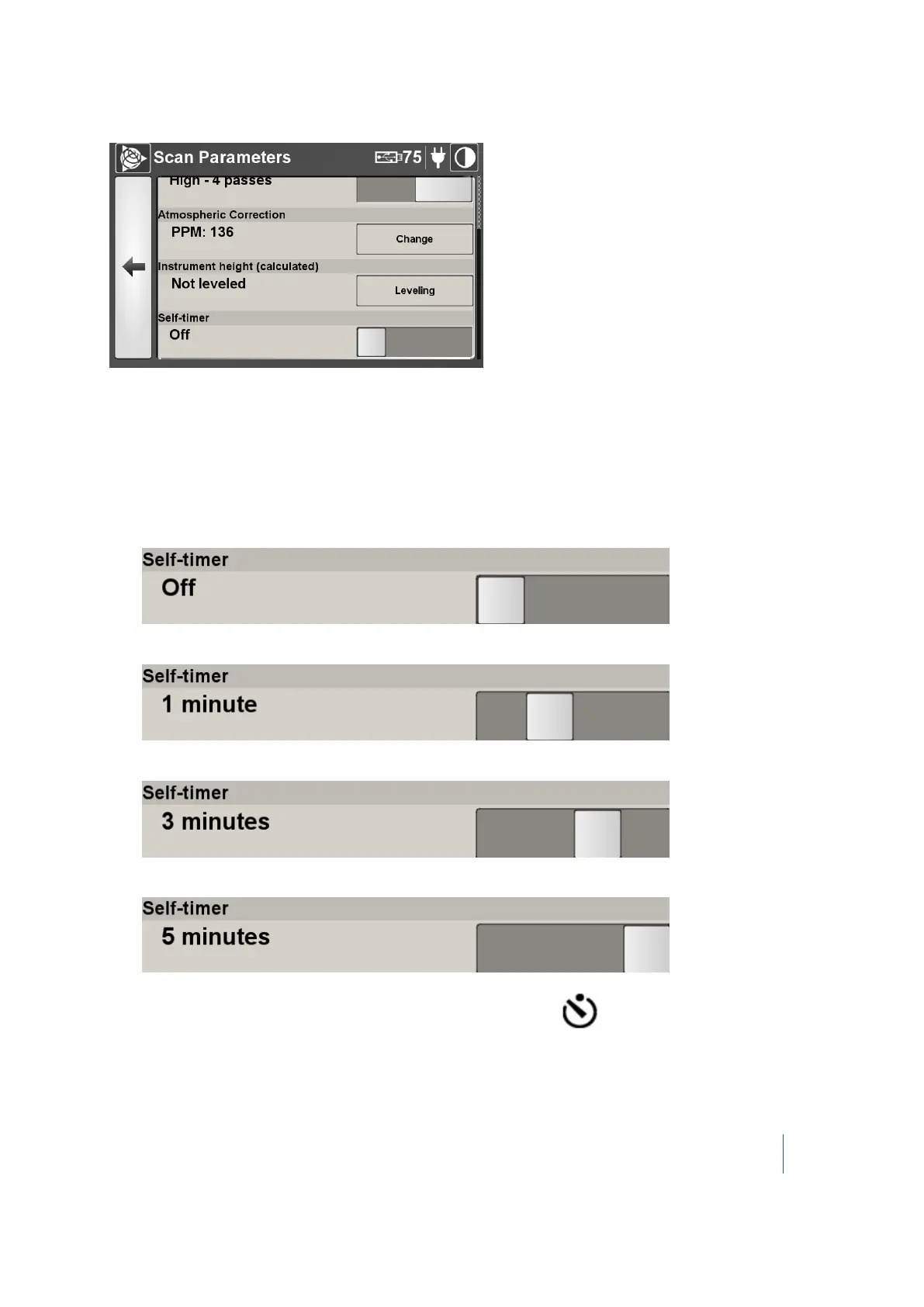
You can use the self-timer to set a delay between the time you tap Scan and the time the scan
starts. There are three times: 1 minute, 3 minutes, and 5 minutes.
In the Self-Timer panel, move the slider to a position:
l
Off
l
1 minute
l
3 minutes
l
5 minutes
The Self-Timer turns on by itself when you set a time, and its icon appears on the top toolbar.
Trimble TX8 3D Laser Scanner User Guide 81



 To Next Page