3 Setup
4.
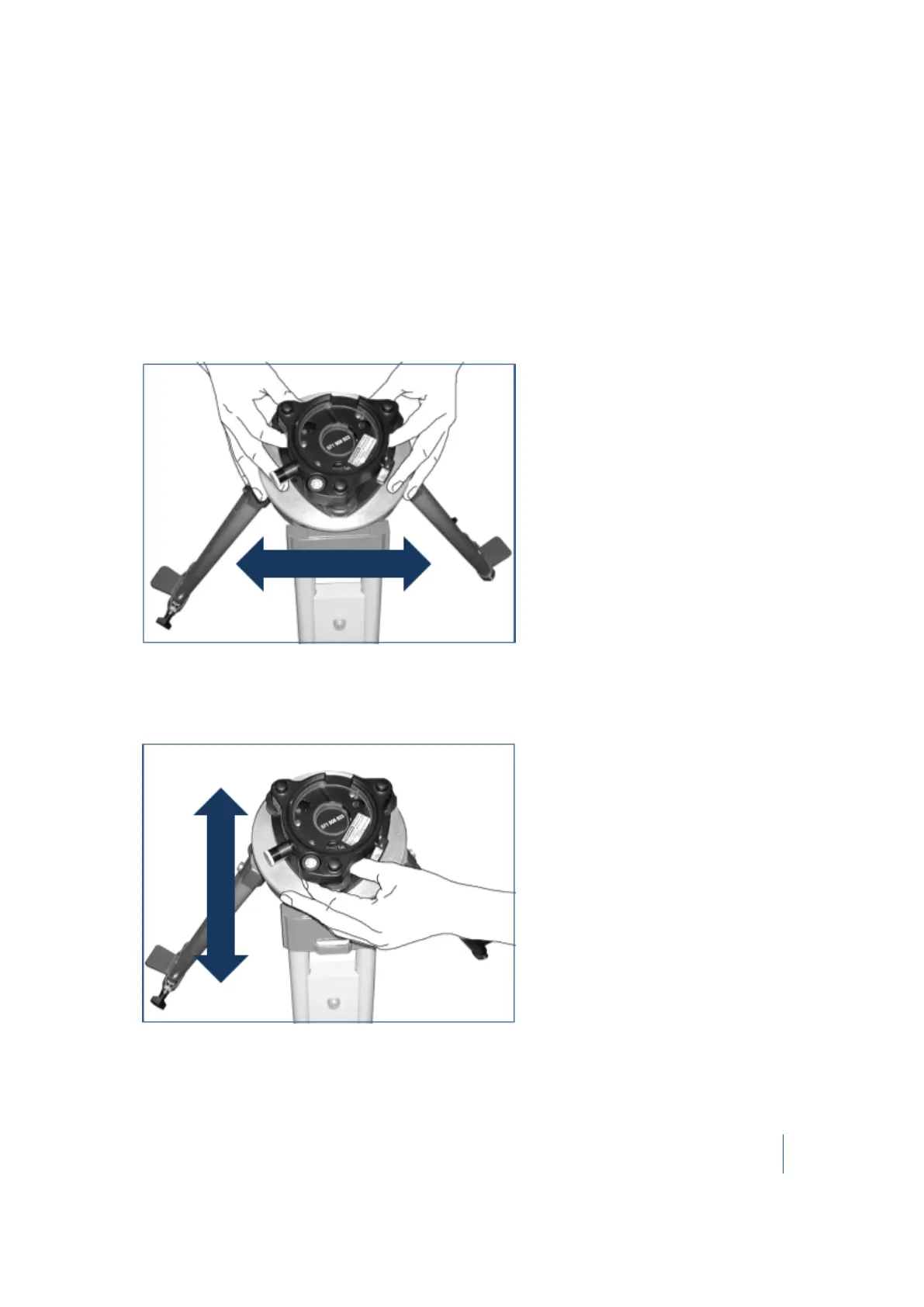
Place the tribrach in a central position on the plate of the tripod.
Note – When placing the tribrach on the tripod plate, ensure that you align the foot screws
with the tripod legs.
5. Secure the tribrach with the central fixing screw.
Leveling the tribrach
1.
Turn two of the foot screws together in opposite directions. The bubble should move from
right to left and vice versa.
2. Move the bubble into the center of the circular bubble level.
3. Turn the third foot screw. The bubble should move from forward to backward and vice versa.
4.
Move the bubble into the center of the circular bubble level.
Trimble TX8 3D Laser Scanner User Guide 38



 To Next Page