3 Setup
Turning the instrument on and off
Turning on the instrument
To turn on the instrument, press and hold the On/Off key for at least three seconds.
The LED on the On/Off key first lights up accompanied by a beep indicating that the instrument is
starting up.
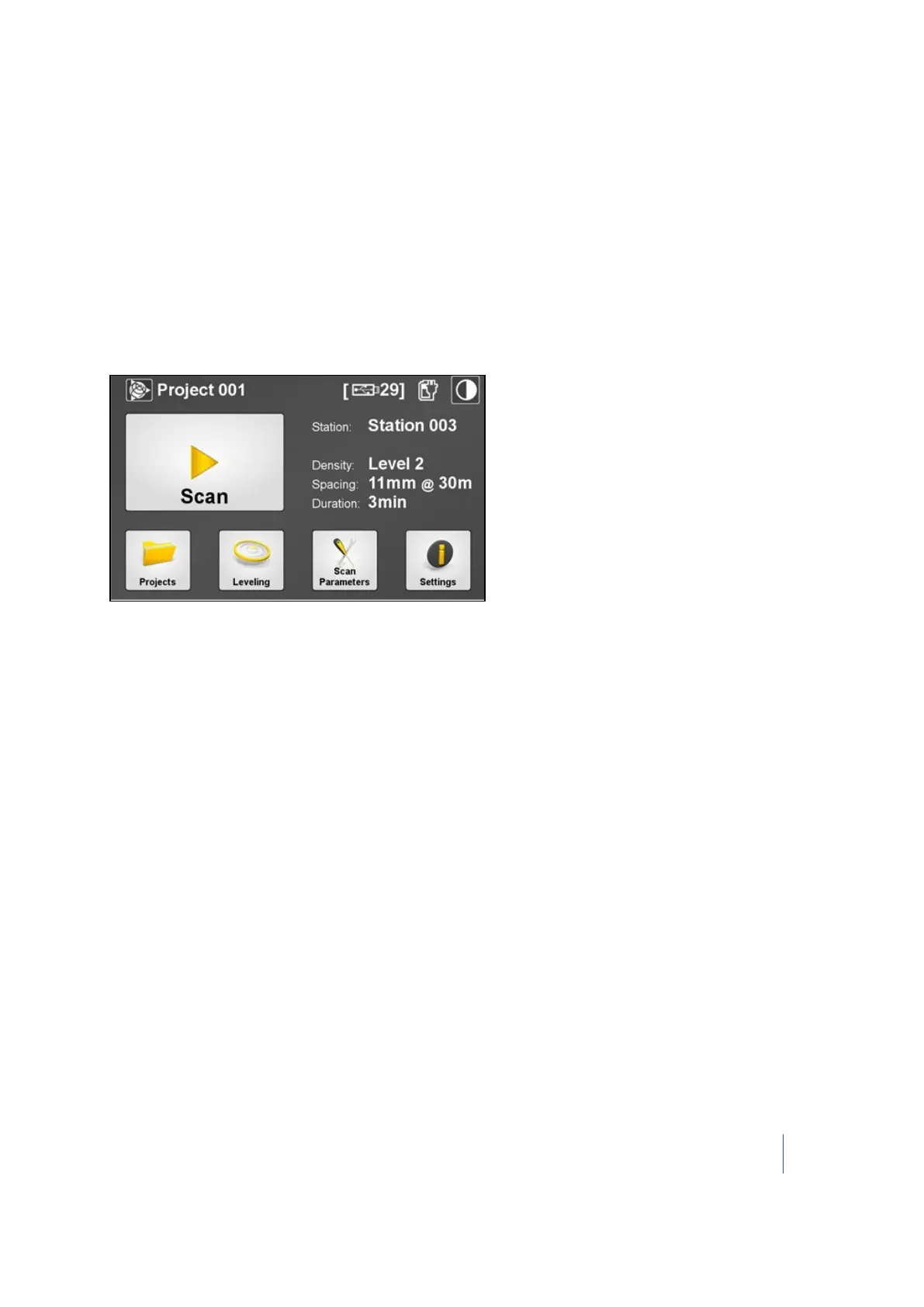
After the instrument has started, the LED stops blinking and stays illuminated in green. The main
menu appears on the touch screen (see Software (page 52)):
Note – To ensure the best performance it is important to first let the instrument warm up. To do
this simply perform a Level 2 scan in the environment where the scanning will take place. See
Choosing a scan mode, page 73.
Turning off the instrument
To turn off the instrument, press and hold down the On/Off key.
Trimble TX8 3D Laser Scanner User Guide 47



 To Next Page