4 Software
In the main menu, the Spacing value for Level 1 (or Level 3) is rounded up to the nearest value: 23
mm (or 6 mm) instead of 22.6 mm (or 5.7 mm). The Spacing value for Level 2 or Extended is rounded
down to the nearest value: 11 mm instead of 11.3 mm.
Choosing a scan precision
The Precision parameter defines the number of times a scan will be acquired from the same station.
The Standard 1-Pass option has range noise < 2 mm from 2 m to 120 m on 18 to 90% reflective
surfaces. The High 4-Pass option has range noise < 1 mm from 2 m to 80 m on 18 to 90% reflective
surfaces. The Precision options are used with Level 1, Level 2, and Level 3 scan modes, but the
option is dimmed with the Extended mode as it automatically defaults to a 1-Pass scan.
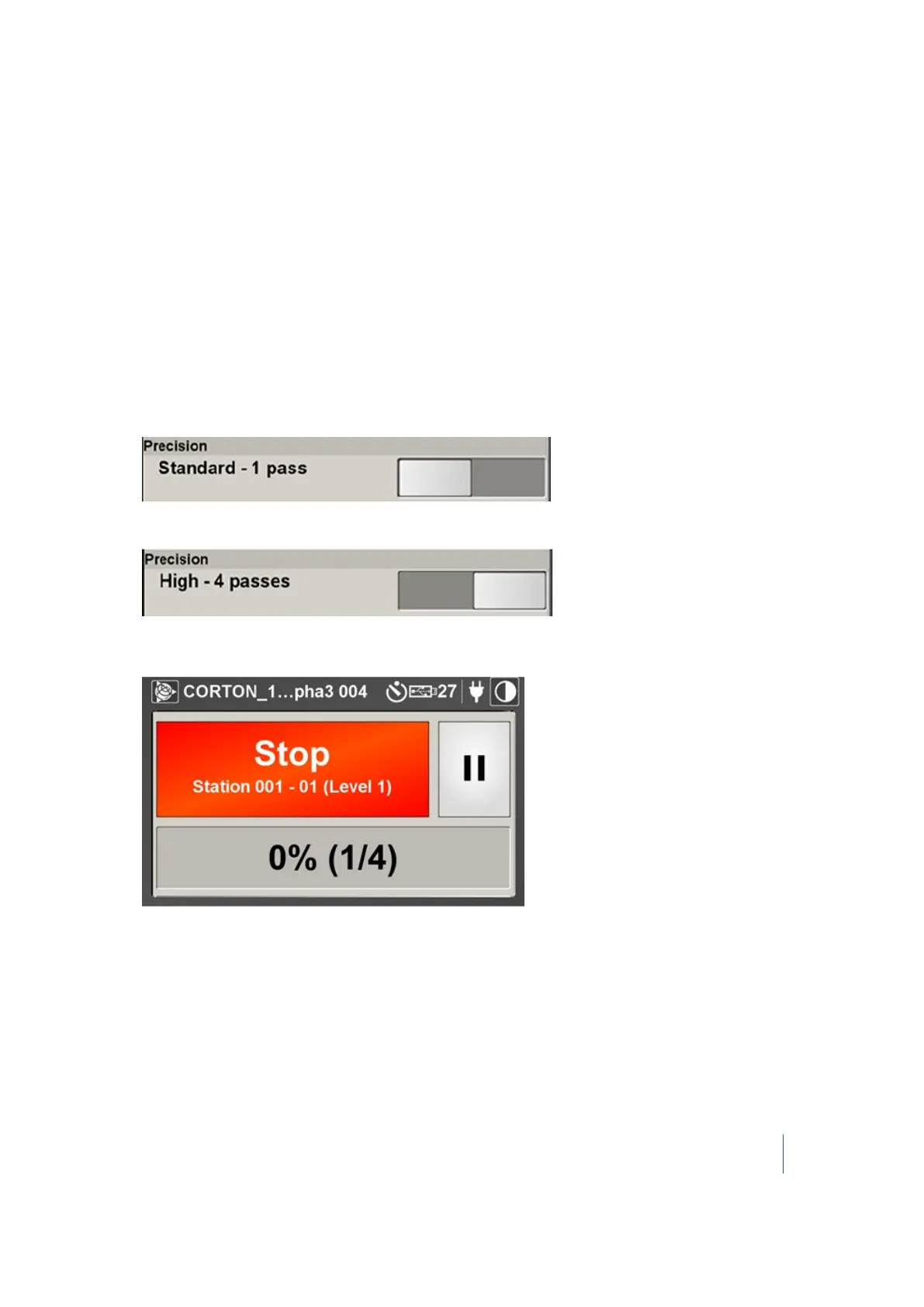
In the Precision panel, move the slider to a position:
l
Standard 1-Pass:
l
High 4-Pass:
l
With the High 4-Pass precision, the percentage complete of the scan being acquired and the
scans remaining display in the progress bar:
When scanning with High 4-Pass precision, four TZF format files are created under the RWI
Trimble TX8 3D Laser Scanner User Guide 75



 To Next Page