1 Introduction
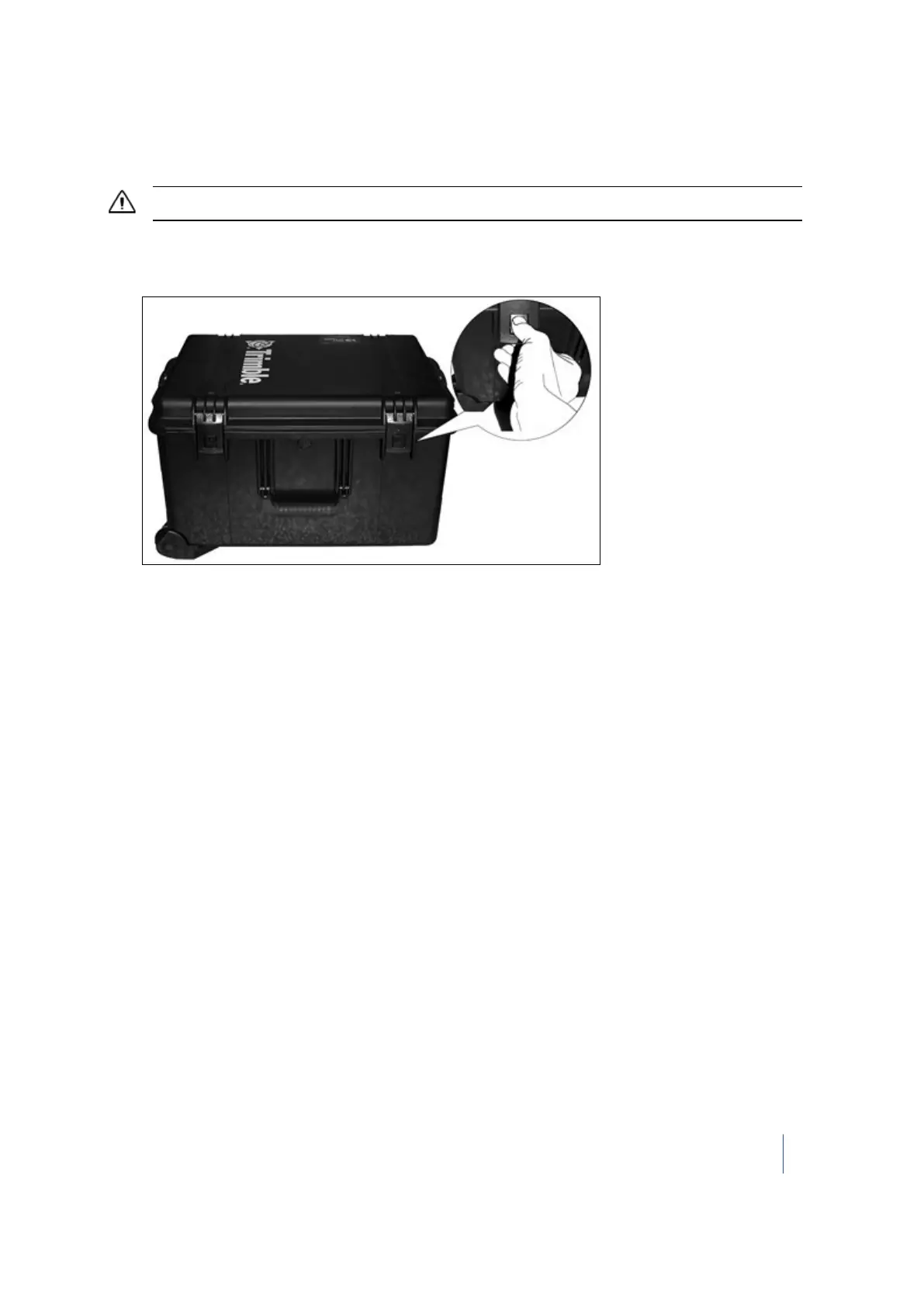
Opening the instrument case
CAUTION – Take care when removing the instrument from the case. Use proper lifting form for heavy objects.
1. Place the instrument case on the bottom side.
2.
Press and pull the four latches:
3.
Open the cover of the instrument case.
Trimble TX8 3D Laser Scanner User Guide 14



 To Next Page