4 Software
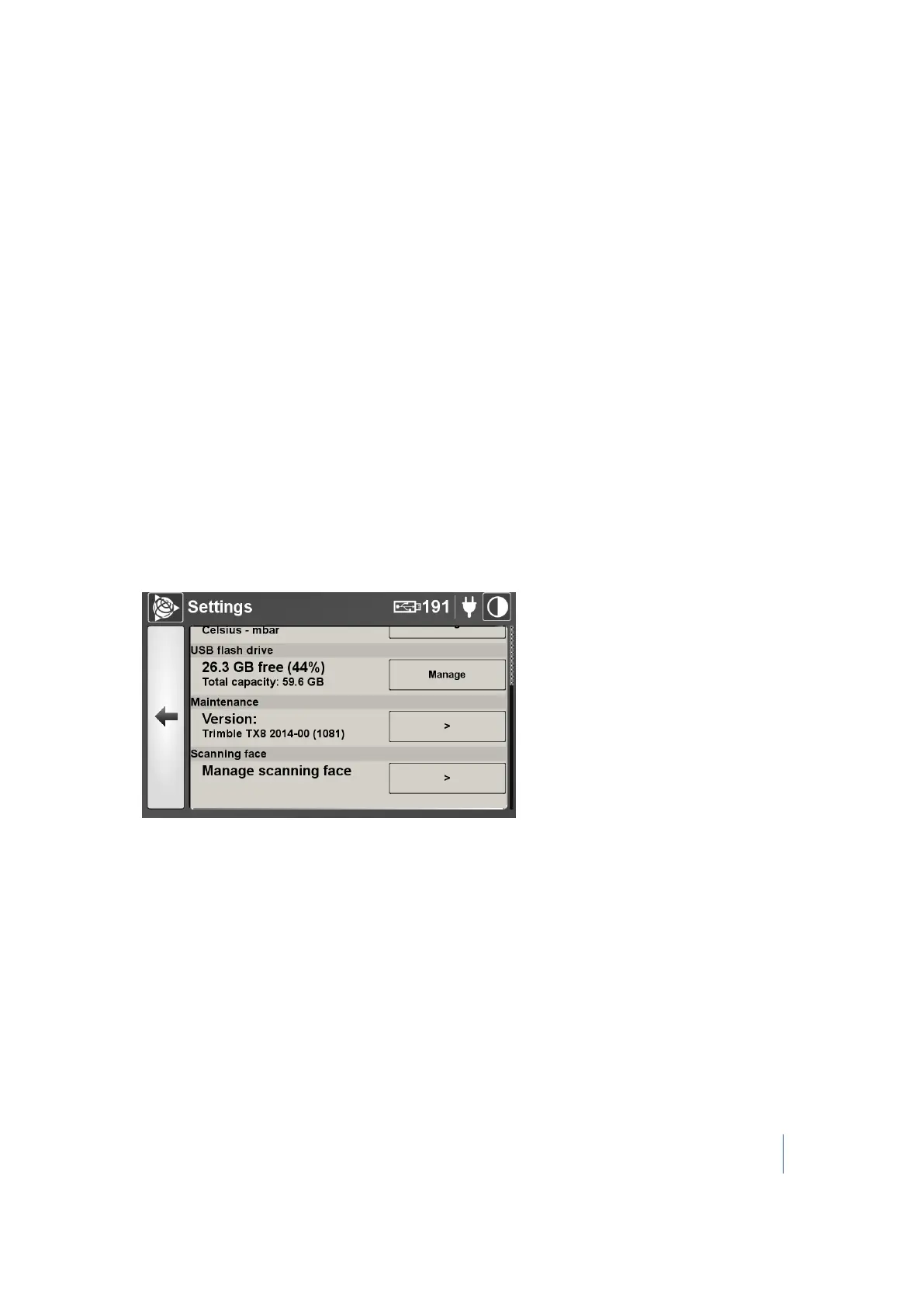
Scanning Face
The Trimble TX8 scanner operates in dual-face or single-face scanning modes:
l Dual-face mode is the default setting and is recommended to reduce scan times. When the
dual-face mode is enabled, a full 360° scan is captured with a 180° horizontal rotation.
l Single-face mode is only recommended if users notice a significant quality difference between
the front and back face of dual-face scans, for example, lower density of points on areas with
low reflectivity materials, lower maximum achievable range, severe brightness difference for
objects above 50 m. This could be the result of extreme temperatures outside of the scanner's
operating range or to abnormal shocks/vibrations.
Scanning with the single front or back face option may enable users to eliminate these quality
differences. Scan times will be doubled with a full 360° scan, requiring a complete 360°
horizontal rotation. You must select the best face for the job - either front or back. Check with a
test scan where quality differences can be witnessed to ensure that the correct face is selected
before continuing a project. Significant quality difference between faces can very rarely be
witnessed in indoor conditions or below 50 m.
To set the scanning face mode:
1.
On the Settings page, scroll down to Scanning face and then tap >:
Trimble TX8 3D Laser Scanner User Guide 92



 To Next Page