3 Setup
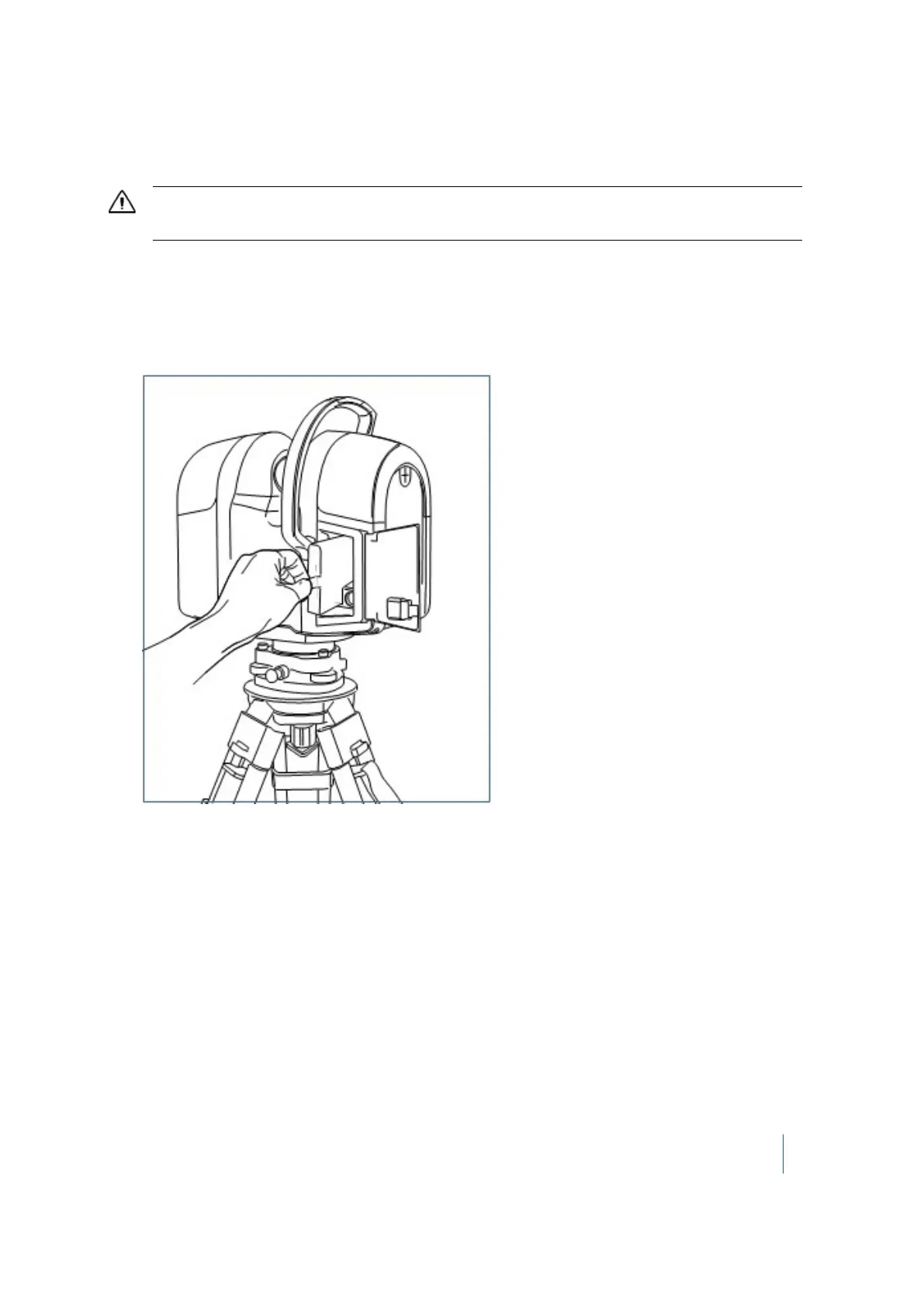
Removing a battery
CAUTION – DO NOT remove the battery from the instrument while it is scanning, running a firmware update, or
processing a diagnostic test.
1. Ensure that the instrument is turned off.
2. Release the latch of the battery compartment door.
3. Open the battery flap.
4.
Remove the battery from its slot. If required, you can use the tab to help you do this:
5. Close the battery compartment door.
Trimble TX8 3D Laser Scanner User Guide 46



 To Next Page