3 Setup
Powering the instrument
You can use a battery or an external power supply to power the instrument. Both options are
provided.
If you insert a battery into the instrument while it is connected to an external power unit, the
battery will be used as the primary power supply (if the battery is fully charged). When the battery
charge level drops to 60%, the external power supply takes over.
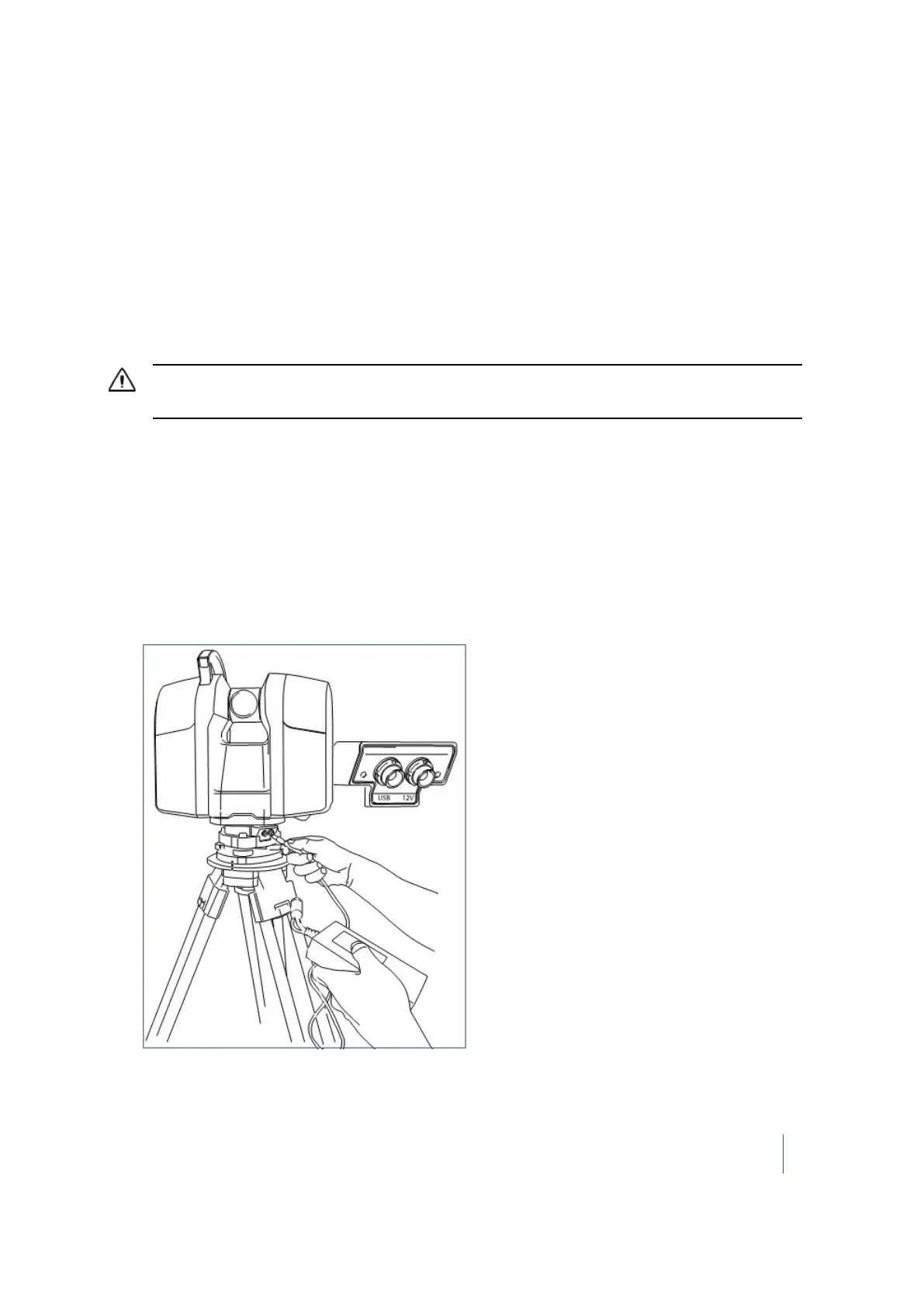
Using an external power supply
CAUTION – Remove the instrument from the tripod prior to transport. Do not move the instrument while
connecting or disconnecting the external power supply.
1. Remove the rubber cap from the 12 V power connector that is on the front side of the
instrument.
2. Align the red dot at the LEMO connector of the power supply cable with the red mark at the 12
V power supply connector.
3. Firmly insert the LEMO connector into the 12 V power supply connector.
4. Plug the power supply cable to the external power supply.
5.
Connect the other end of the power supply cable to a power supply network using an
interchangeable connector:
Note – Use the interchangeable adapter suited to your power supply network.
Trimble TX8 3D Laser Scanner User Guide 44



 To Next Page