4 Software
Projects
When you insert a new or an empty USB flash drive into the instrument, a new project is
automatically created. By default, it is named "Project XXX" where XXX starts at 001 and increments
by one digit each time a new project is created.
If there is no project available on the USB flash drive when turning on the instrument, a new empty
project is created using the name of the last scanned project and starting with "Station 001". If there
is a project stored on the USB flash drive, the last modified project is automatically loaded.
A project folder named "Project XXX" is created under the root of the USB flash drive. Under that
folder, a RealWorks project file with an RWP file extension is also created.
1.
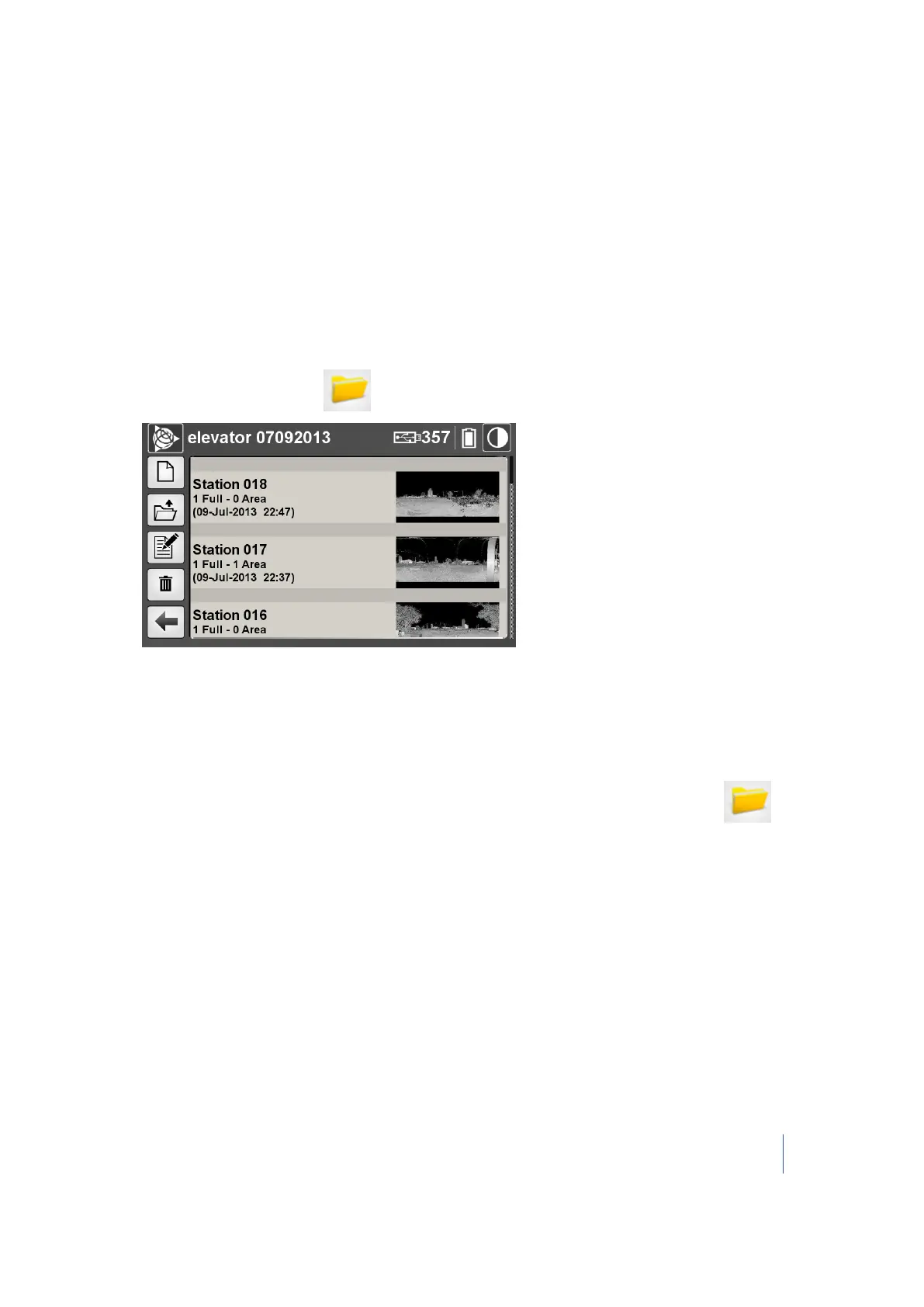
From the main menu, tap . The projects dialog appears:
2.
In this dialog, you can:
l l manage projects. See page 55.
l manage stations. See page 58.
l manage scans. See page 60.
Note – If there is no USB flash drive in the instrument when tapping the Projects button , a
dialog appears and prompts you to insert one.
Trimble TX8 3D Laser Scanner User Guide 54



 To Next Page