4 Software
Choosing a scan mode
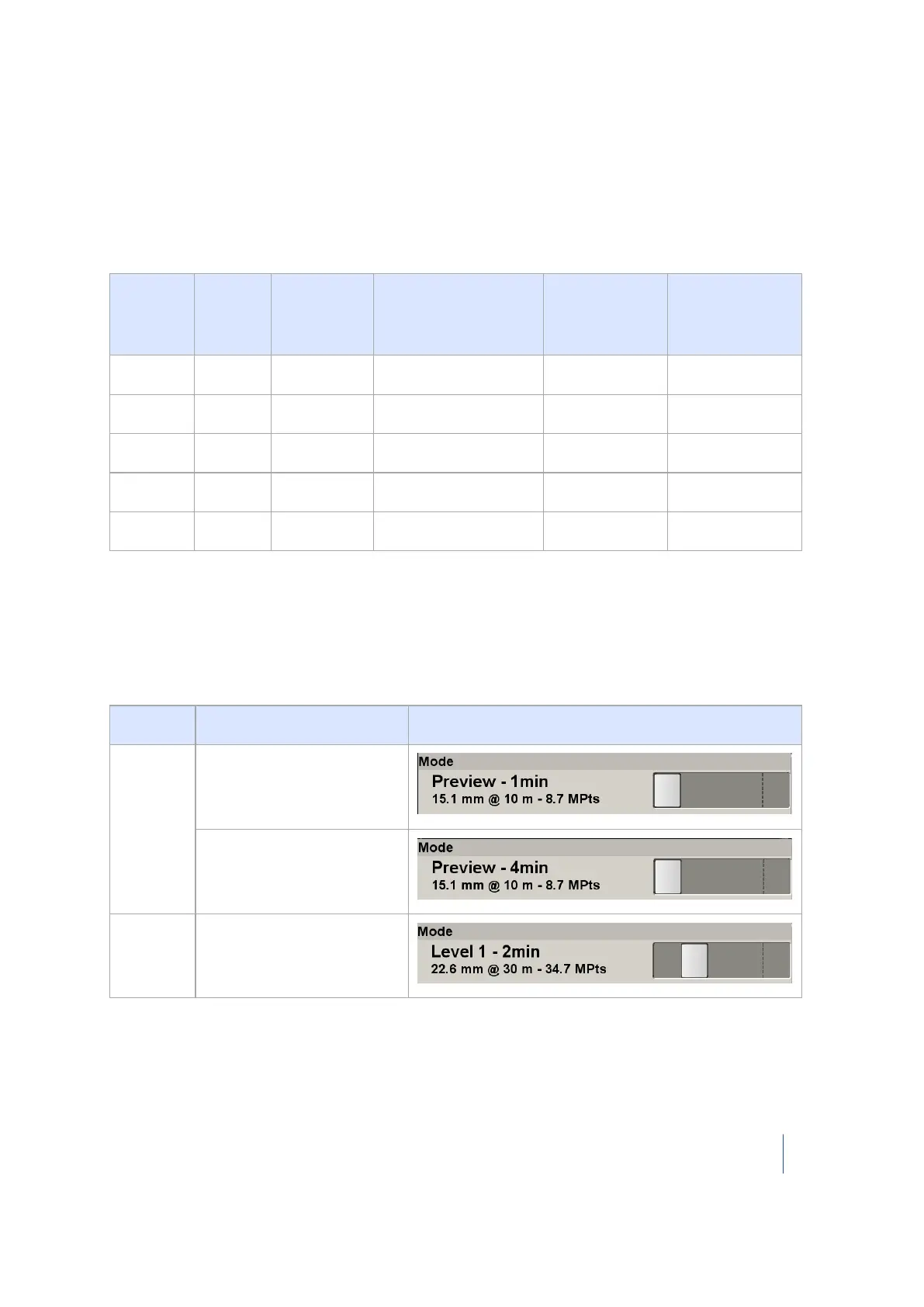
A mode corresponds to a level (or density) of a scan. The predefined modes are Preview, Level 1,
Level 2, Level 3, and Extended. Extended is a level that only appears if you have purchased the
Extended Range upgrade. The following table shows the parameters of each mode as well as
estimates about the number of points that will be acquired and the duration of the scan:
Mode Spacing
1
(mm)
At a
Distance of
(m)
Number of points
(million of points)
Duration (min
for 1 pass)
Duration (min for
4 passes)
Preview 15.1 10 8.7 1 4
Level 1 22.6 30 34.7 2 7
Level 2 11.3 30 138.9 3 12
Level 3 5.7 30 555.5 10 39
Extended 75.4 300 312.5 20 N/A
To choose a scan mode:
l In the Mode panel, move the slider to a position for Level 1, Level 2, Level 3 or Extended. The
Extended position on the right does not display unless the Extended Range upgrade has been
enabled. The scan duration will vary for Level 1, Level 2, and Level 3 depending on the precision
that is set, that is Standard 1-Pass or High 4-Pass.
Mode
Preview
Preview with Standard 1-
Pass precision
Preview with High 4-Pass
precision
Level 1
Level 1 with Standard 1-
Pass precision
1
The Spacing parameter is the distance between two consecutive laser spots.
Trimble TX8 3D Laser Scanner User Guide 73



 To Next Page