3 Setup
USB flash drive
The USB flash drive needs to be inserted in the instrument for data storage. You can use the USB
flash drive that comes with your instrument or one that is commercially available.
Inserting the USB flash drive
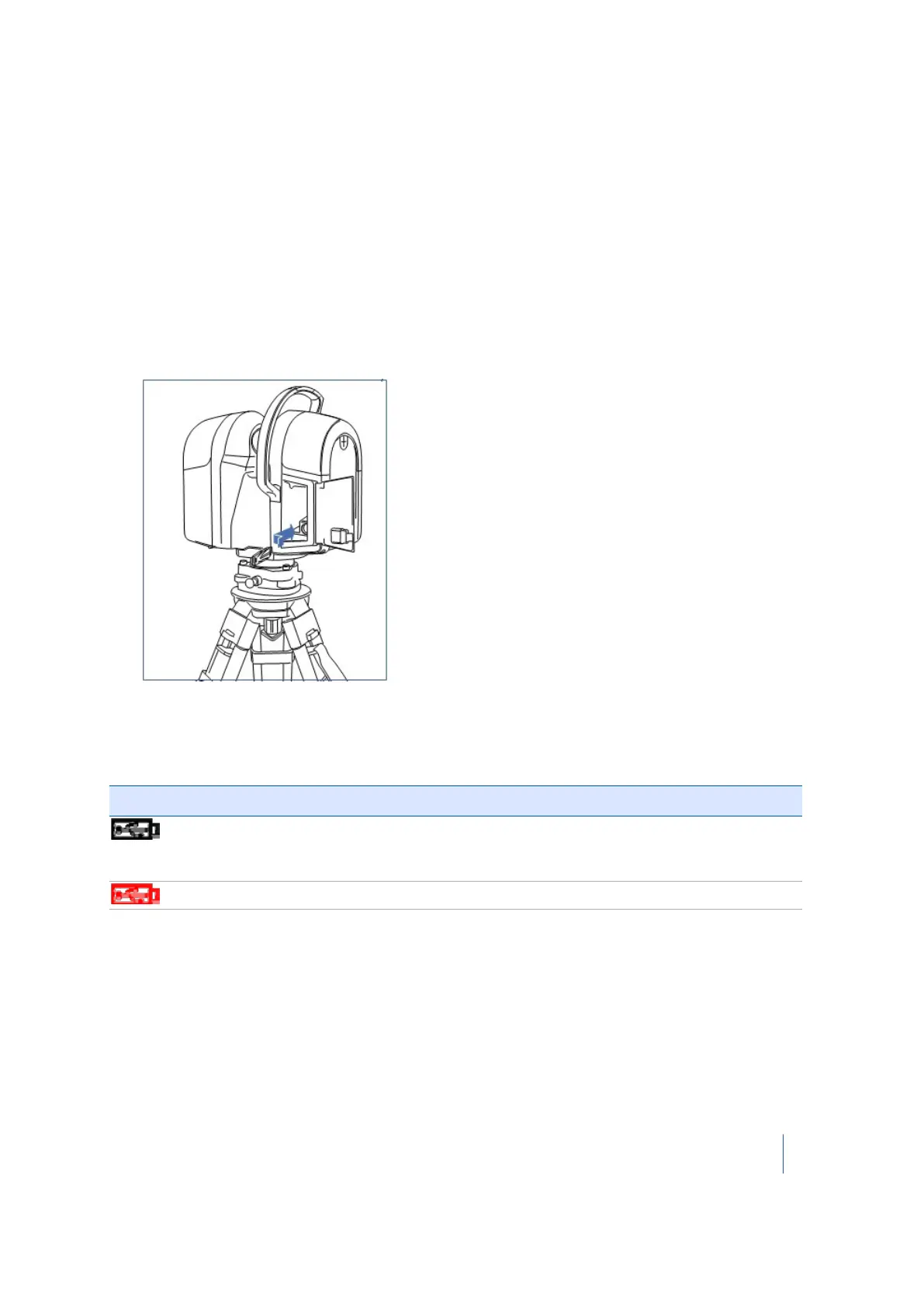
1. Release the latch of the battery compartment door.
2. Open the battery compartment door.
3.
Insert the USB flash drive into the USB slot:
4. Close the battery compartment door.
Once the USB flash drive has been inserted into the USB port, and once the instrument is switched
on, the following icons appear on the touch screen:
If the icon .... it indicates that the USB flash drive ....
is black, with a number
beside it
has been inserted into the instrument. The number corresponds to
the number of scans the USB flash drive can store, which changes if
you change the scan settings. See
Scan parameters, page 72
.
is red and blinking is missing, full, or needs to be formatted.
Trimble TX8 3D Laser Scanner User Guide 42



 To Next Page