4 Software
Maintenance
You can keep your instrument up to date by updating its firmware, running a diagnostics test to
check each of its components, or resetting all your personal settings.
1.
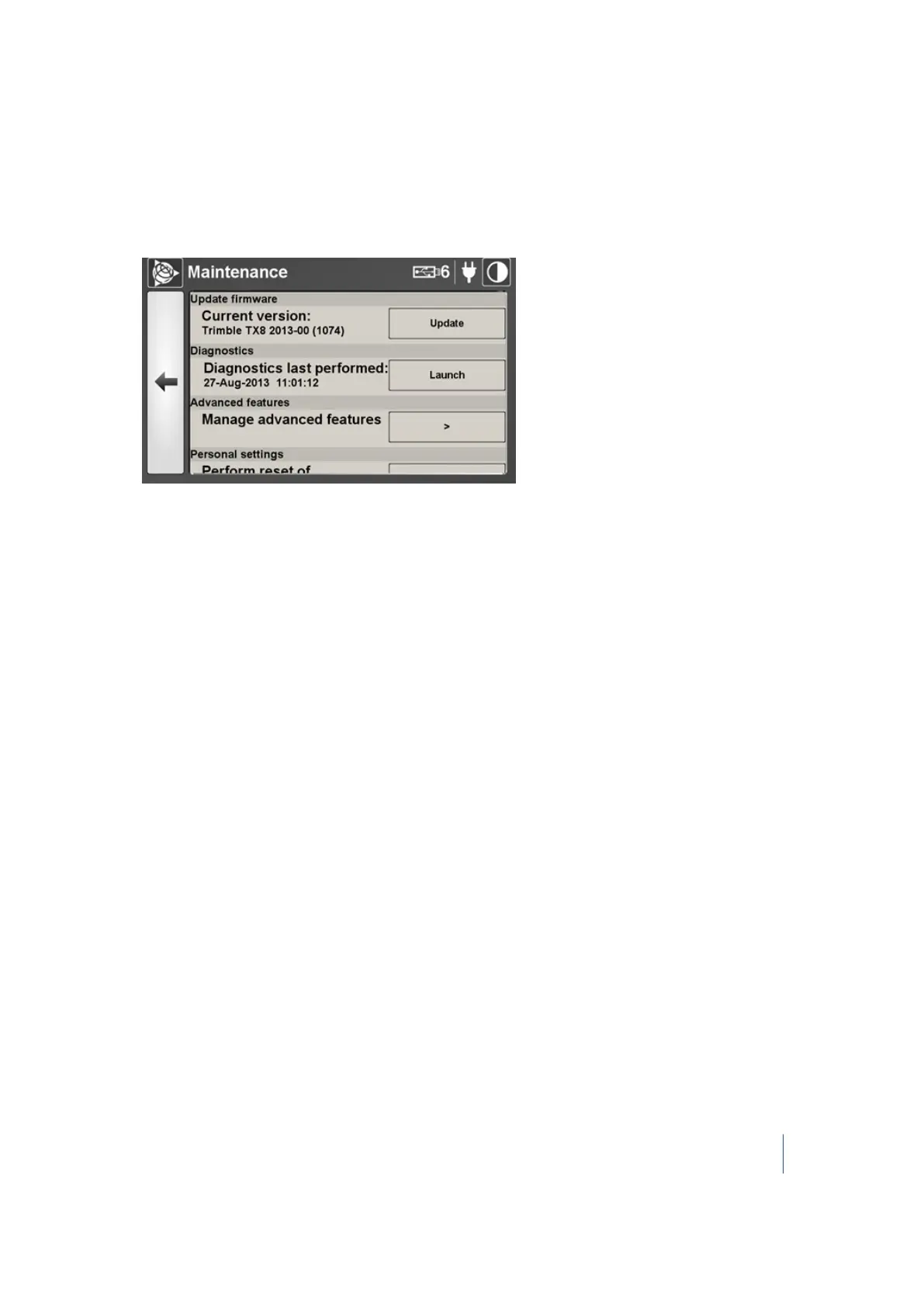
In the Maintenance panel, tap >. The Maintenance dialog appears:
2. In this dialog, you can:
l l Update the firmware. See page 88.
l l Run a diagnostics test. See page 89
l Access the advanced features of the software. See page 90
l Reset all personal settings. See page 91
Trimble TX8 3D Laser Scanner User Guide 87



 To Next Page