4 Software
Leveling
Leveling an instrument is the action of adjusting its vertical position using the three leveling screws
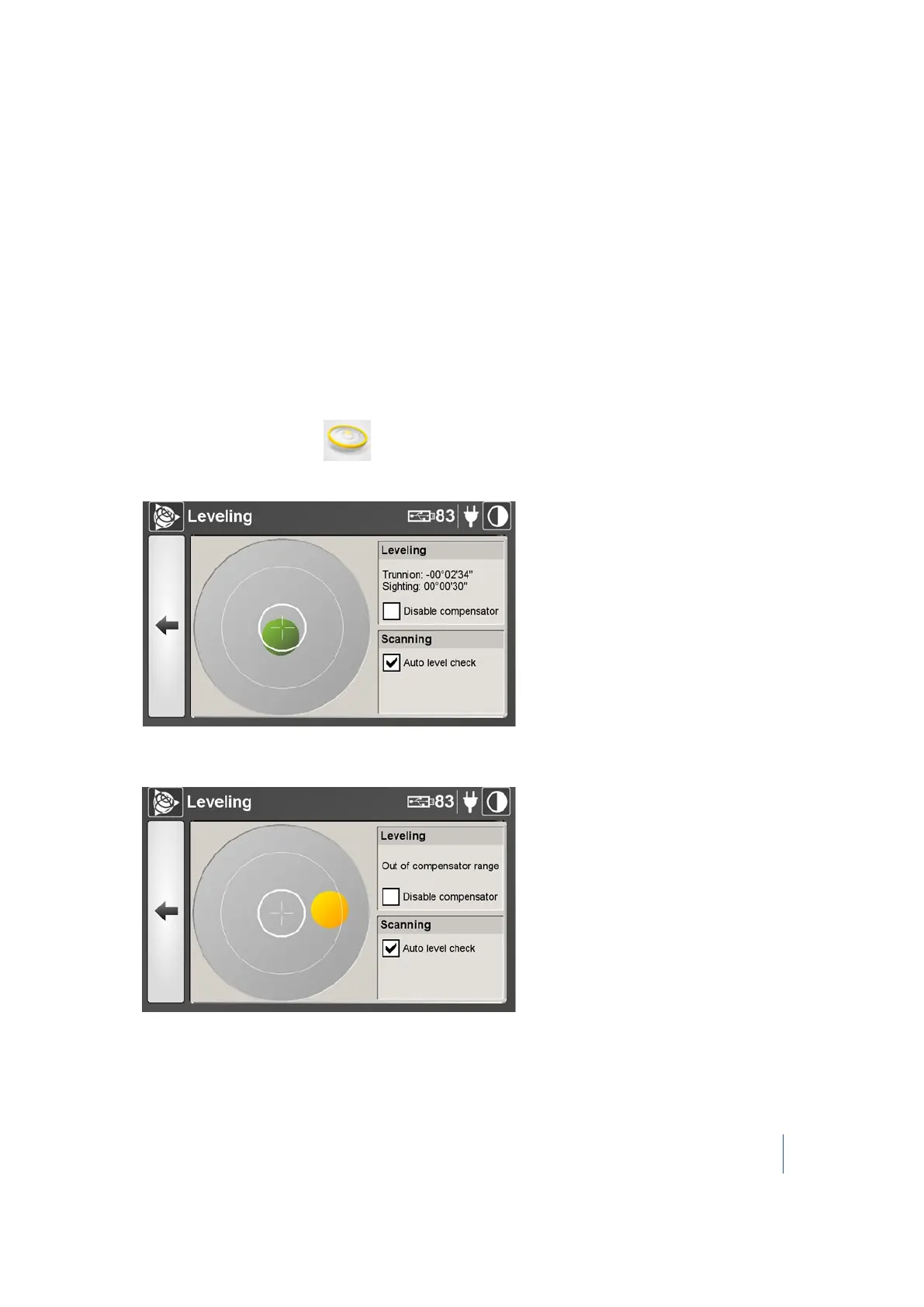
of the tribrach located below the instrument. The electronic bubble in the Leveling dialog provides a
visual control to check whether or not the instrument is leveled. It may have three states: Out of
Range (not visible), Yellow, or Green.
In addition to the electronic bubble, the Leveling dialog displays the Trunnion and Sighting
information. The horizontal rotation's axis of the instrument is called Trunnion, while its sighting
direction for acquiring cloud data is called Sighting. Both are expressed in degrees, minutes, and
seconds. When activated, the Compensator will automatically level-compensate all 3D points.
Checking the leveling status of the instrument
1.
From the main menu, tap . The Leveling dialog appears.
When the instrument is leveled, the color of the electronic bubble color is green and centered:
When the instrument is unleveled, the color of the electronic bubble is yellow and it appears
off-centered:
Trimble TX8 3D Laser Scanner User Guide 68



 To Next Page