4 Software
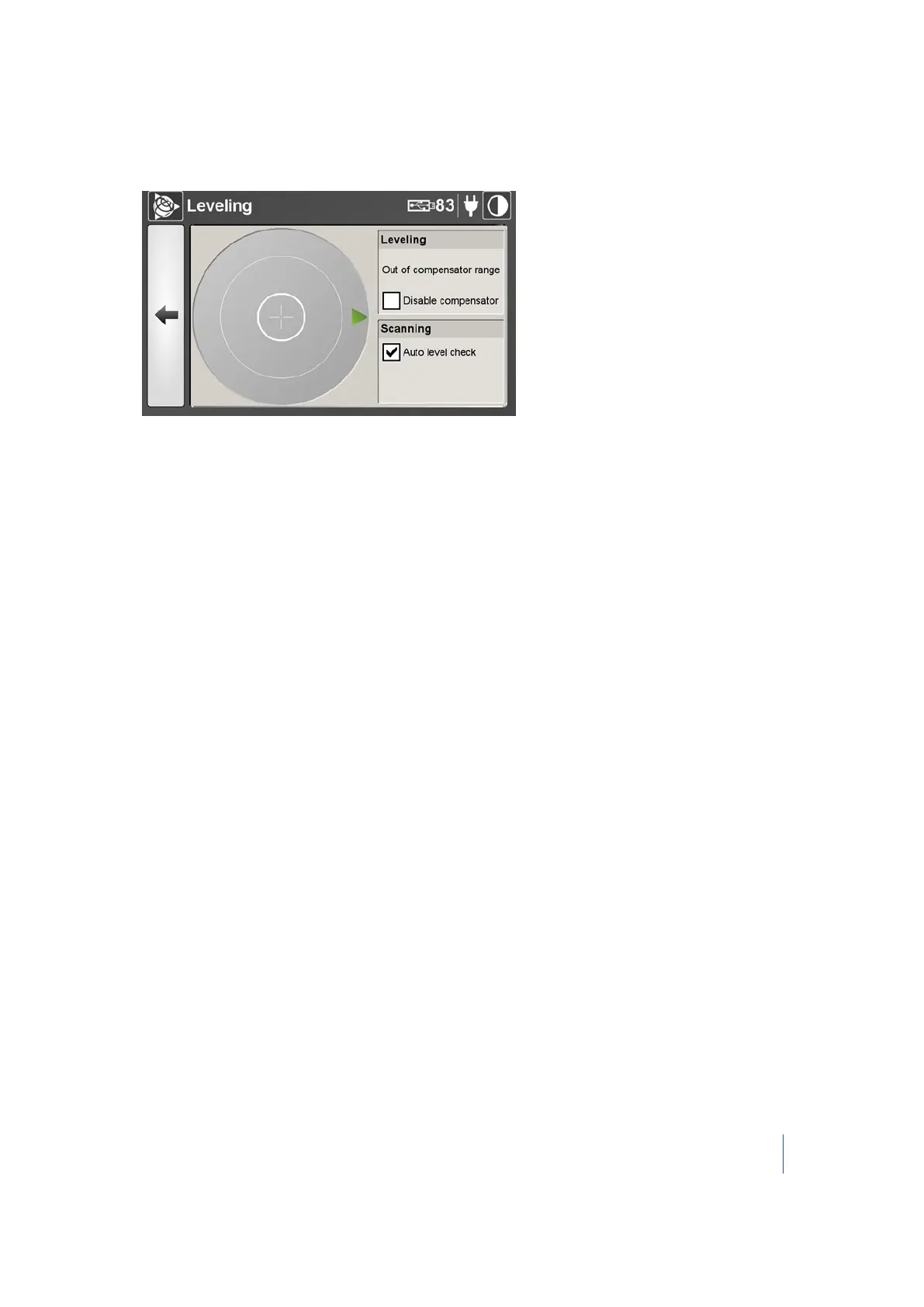
When the instrument is out of range, the electronic bubble is not visible on the screen. A green
arrow indicates the direction the bubble is:
2.
From this dialog, you can:
l l Level the instrument. See page 70.
l Activate (or deactivate) the compensator. See page 71.
l l Activate (or deactivate) the Auto level check. See page 71.
Trimble TX8 3D Laser Scanner User Guide 69



 To Next Page