3 Setup
Connecting the instrument to a remote device
1. Remove the rubber cap from the USB connector at the base of the instrument.
2. Align the red dot on the LEMO connector of the TX8 USB cable with the red mark on the TX8
USB connector.
3. Firmly insert the LEMO connector into the TX8 USB connector.
4.
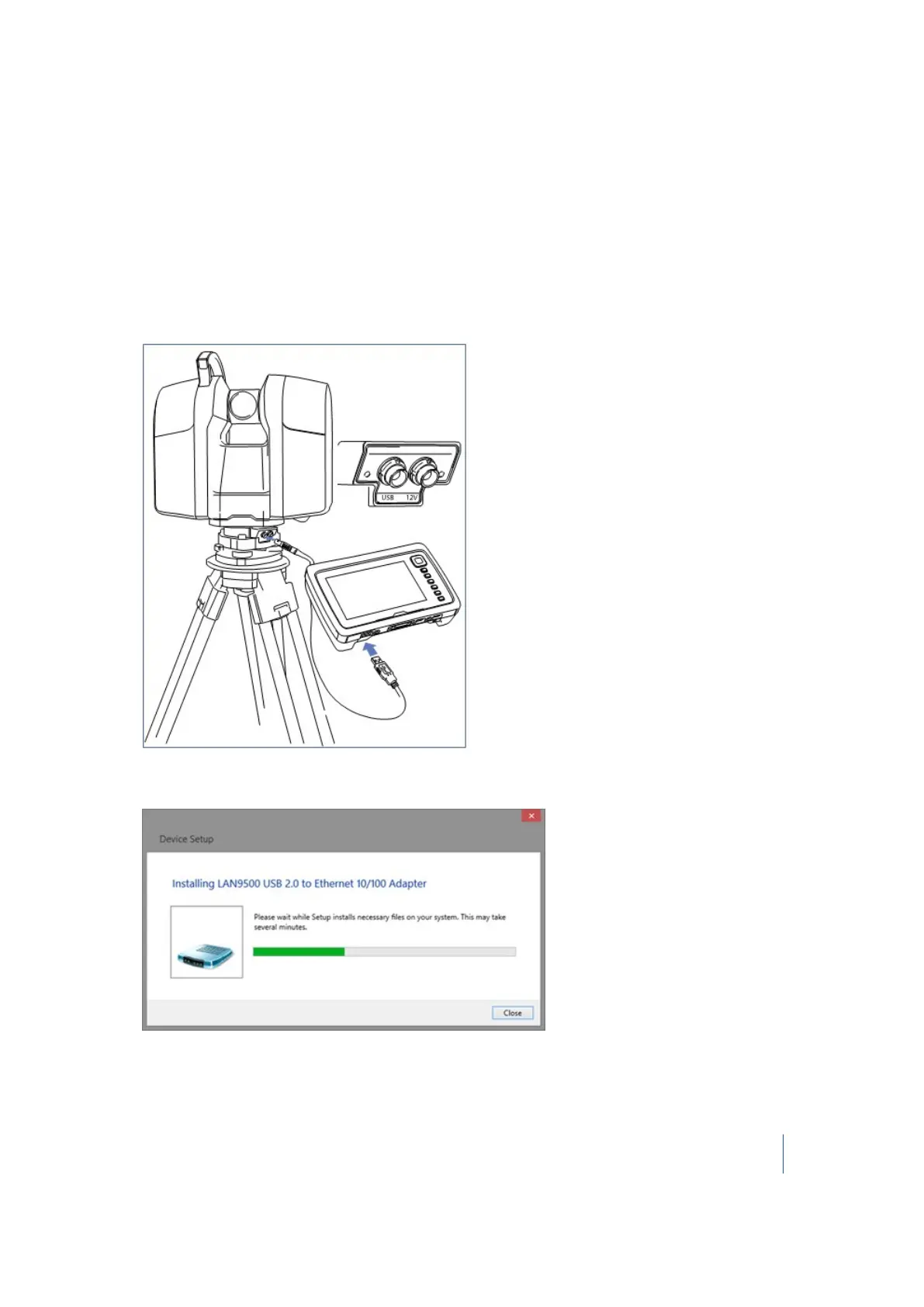
Insert the USB connector of the TX8 USB cable into the USB connector on the Windows PC or
tablet, for example, a Trimble Yuma tablet (illustrated below):
5.
Turn on the instrument. If your remote device is connected to the Internet, the appropriate
LAN9500 driver should automatically download and install:
Trimble TX8 3D Laser Scanner User Guide 48



 To Next Page