4 Software
Managing stations
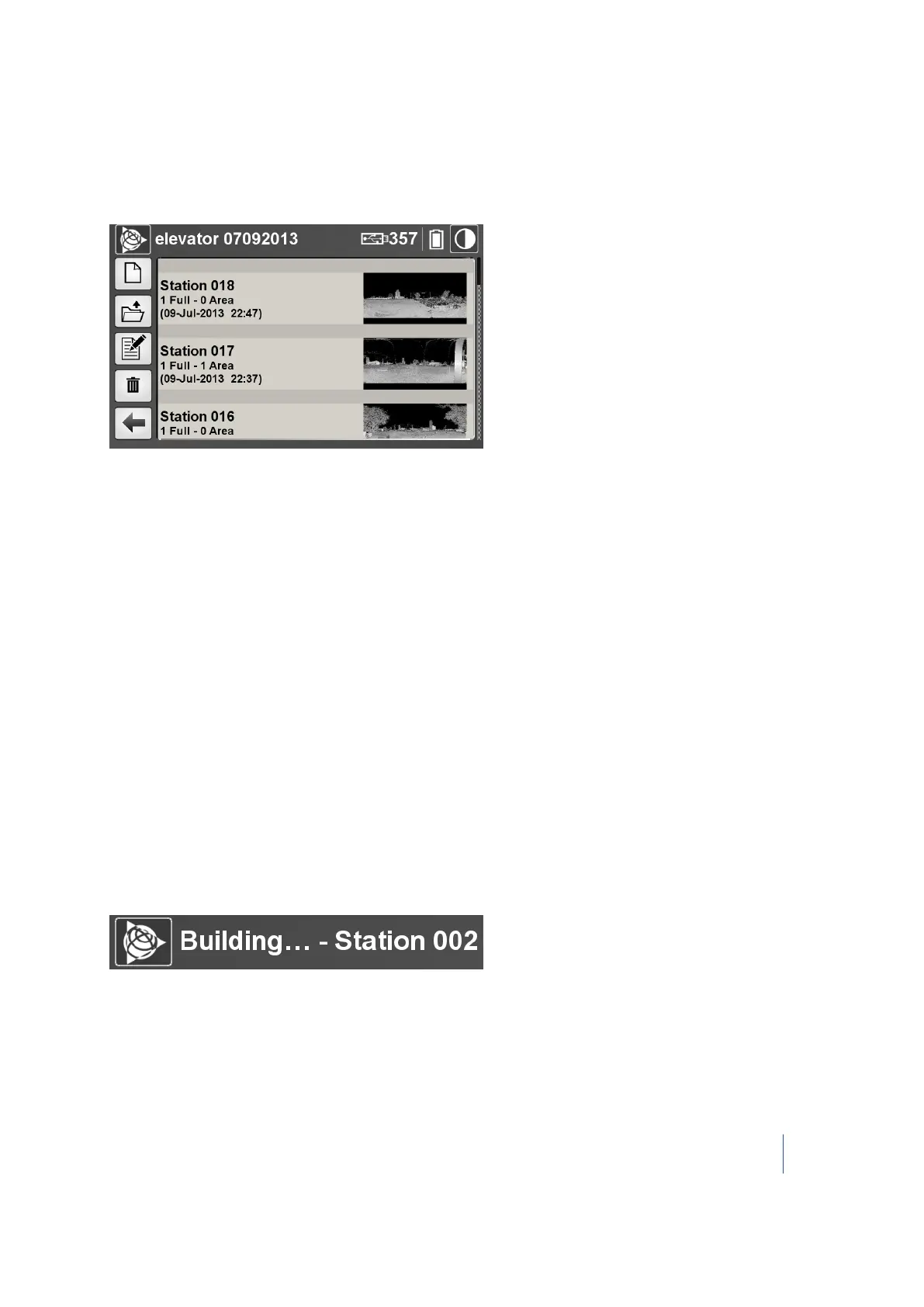
After tapping the Projects icon, the current project opens automatically. If the project is empty, the
message "This project is empty" appears. If it is not, all stations for that current project are listed:
Stations are listed in order of creation. A station is simply a container. For each station, verify the
following information:
l The instrument height.
l The number of Full scans.
l The number of Area scans.
l The Day/Month/Year and time it was created.
l A thumbnail image.
Creating a station
Each time a scan is performed, a new station is automatically created. By default, each station is
named "Station XXX", where XXX starts at 001 and increments by one digit each time a new station
is created. You cannot manually name a newly created station; you must use the default one.
The number between the parenthesis next to the USB flash drive icon on the main menu decreases
each time a new station or scan is created. At the same time, a TZF format file is created and placed
in the RealWorks project folder (named Project XXX.rwi). The TZF format file is: Project XXX_Station
XXX_Scan XX.tzf. If the current project is empty (no stations), the RealWorks project folder is
automatically created.
The current station name is shown in the title bar:
Trimble TX8 3D Laser Scanner User Guide 58



 To Next Page