4 Software
Editing a project
1.
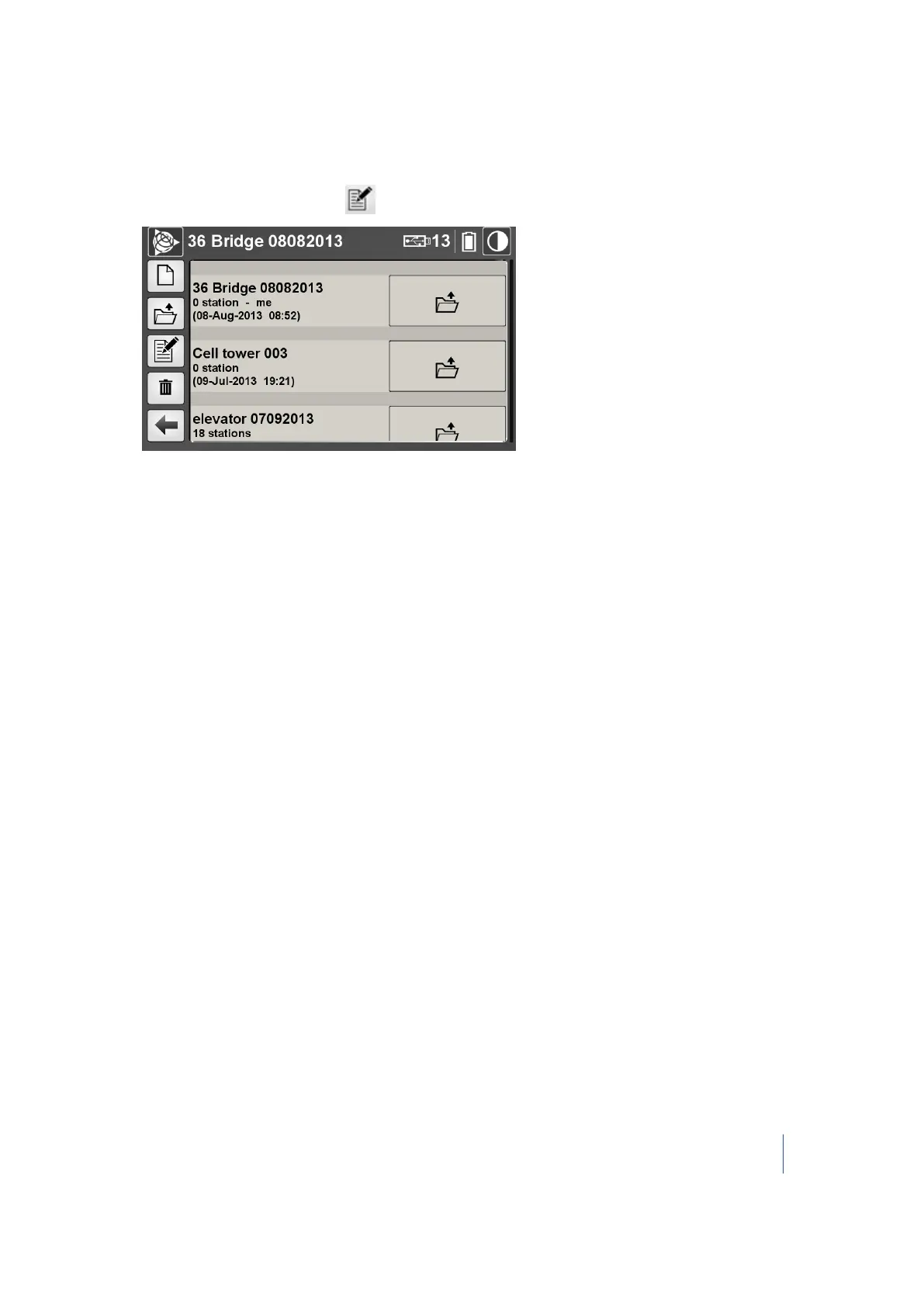
From the Projects menu, tap . The Edit current project dialog appears:
2. In this dialog, you can:
l l Rename the current project.
l Change the operator name.
3. Tap Save. The Edit Current Project dialog closes.
To rename the current project:
1. In the Current Project Name panel, tap Change. An on-screen keyboard appears with the
current name highlighted.
2. Enter another name and then tap OK. The Edit current project dialog appears.
3. Tap Save.
The Trimble RealWorks project file (with an RWP extension), the project folder (with an RWI
extension), and the folder which contains both of the files are also renamed. If there is a TZF format
file in the RWI folder, the project name (of the file) is also renamed.
To change the name of the operator in the current project:
1. In the Operator name panel, tap Change. An on-screen keyboard appears with the current
name highlighted.
2. Enter another name and then tap OK. The Edit current project dialog appears.
3. Tap Save.
Note – The Operator name is reset to blank when you reset your Personal settings (see page 91).
Trimble TX8 3D Laser Scanner User Guide 57



 To Next Page